pCloud Client for Windows
Manage your pCloud storage from a dual-pane Windows file manager - transfer to and from your other clouds and servers, edit in place, and back up on a schedule.
pCloud is a great place to keep files, but its own desktop drive and web app keep your pCloud world separate from everything else you use. If your files also live on an FTP server, a NAS, or another cloud, you end up bouncing between apps to move anything between them.
FTPie puts pCloud in a proper Windows file manager, in the same dual-pane window as the rest of your storage - so managing pCloud and moving files in or out is one continuous workflow.
How FTPie connects to pCloud
pCloud is a native, built-in integration:
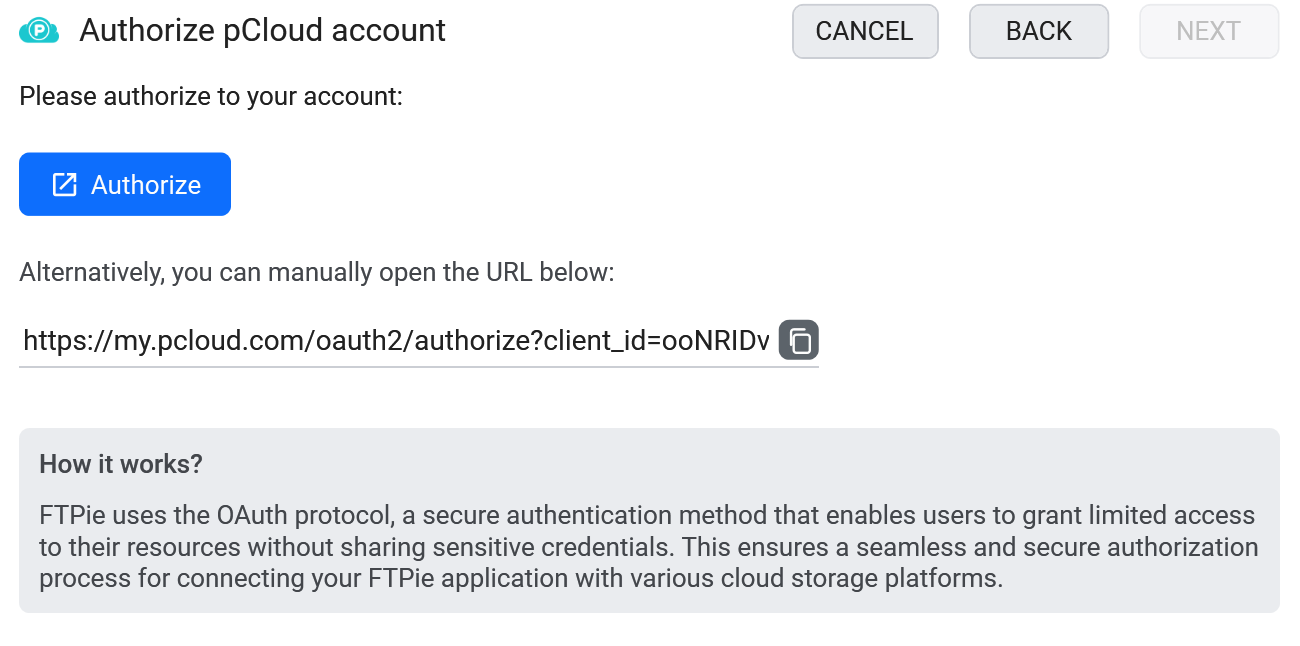
- Add a new storage in FTPie and choose pCloud.
- Sign in and authorize FTPie.
- pCloud appears as a tile, ready to browse next to your other storage.
What you can do
- Dual-pane browsing with tabs, tree view and favorites
- Transfer between pCloud and other storage by dragging across panes
- Edit in place with built-in editors or external apps
- On-demand access - no full local sync required
- Scheduled backups to or from pCloud
pCloud next to everything else
Use pCloud as a backup target for your FTP server, migrate files from another cloud into pCloud, or pull media out of pCloud onto your NAS - all by dragging between panes in one window, instead of round-tripping through your local disk.
Common questions
No - FTPie streams files on demand, so nothing downloads until you open or transfer it.
Yes - pCloud in one pane, the other storage in the other, then drag across.
No. FTPie is a local desktop app and credentials stay on your machine. See the security page.
Cloud connections are part of FTPie Pro. The free plan covers up to 3 FTP/FTPS/SFTP connections; Pro adds the clouds, WebDAV, NAS and self-hosted, with a 30-day free trial. See the plan comparison.
Related
- All integrations
- MEGA client for Windows and Dropbox client for Windows
- Transfer files between cloud accounts
Start Your 30-Day Free Trial
Download FTPie and start your free 30-day trial. Enjoy seamless FTP + cloud integration and keep using the free version afterward.
Download Free Trial