Comparison

FTPie vs ShareX

Both can share to storage you own. One is a deep capture toolkit; the other folds capture into a full file manager.

FTPie - File manager with built-in capture & sharing vs ShareX - Free, powerful capture & upload tool

ShareX is a beloved, free, open-source Windows tool, and it deserves the praise: it captures anything, automates workflows, and can upload to dozens of destinations - including your own FTP server or cloud. If you want maximum control over a capture-and-upload pipeline, ShareX is hard to beat.

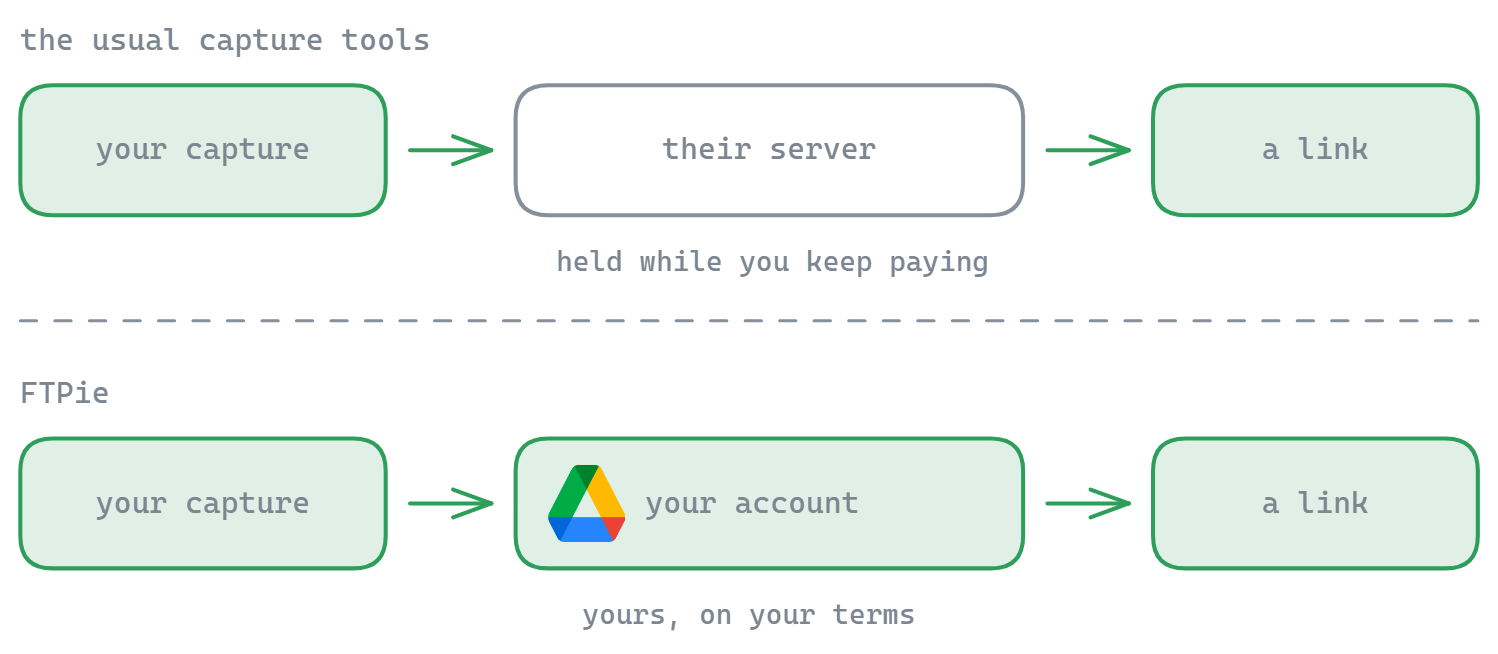
So this is not an "own storage vs their servers" story - ShareX can absolutely use your storage. The honest difference is scope and simplicity: ShareX is a dedicated, deeply configurable capture toolkit; FTPie is a full file manager that happens to include capture and one-click sharing, so the screenshots and recordings you take live in the same app where you manage all your files.
Where ShareX shines

ShareX has more capture power than FTPie, full stop: scrolling capture, OCR, GIF recording, a workflow/automation engine, hotkey customization for everything, and a huge list of upload destinations. It is free and open source. For a power user who lives in screenshots and wants to script every step, ShareX is the better dedicated tool - and the price is unbeatable.

The cost of that power is complexity. ShareX's settings are famously deep, configuring a custom uploader can take real effort, and it is purely a capture/upload utility - it does not browse, transfer, or manage the files afterwards.

Where FTPie fits

FTPie's capture tools are simpler by design: capture a region, annotate, and Quick Share returns a link from a cloud account you own. The advantage is that it is one feature of a real file manager - the same app where you browse cloud and FTP storage, transfer between them, edit files and run backups. Capture is part of your file workflow, not a separate utility to wire up.

Side-by-side comparison

Feature FTPie ShareX
Share to storage you own
Screenshot & screen recording
Advanced capture (scrolling, OCR, workflows)
Simple setup (no uploader config) Partial
Full file manager (browse / transfer / edit)
Cloud + FTP/SFTP/WebDAV management
Free & open source Partial

So which should you pick?

If capture is the job and you want the most powerful, scriptable, free tool for it - and you do not mind configuring it - pick ShareX. It is excellent and we will not pretend otherwise.

If you would rather capture and share as part of a tool you already use to manage your cloud and FTP files - with a far simpler path to a link on storage you own - FTPie is the more convenient home for it. As a ShareX alternative it trades capture depth for an all-in-one file workflow. Many people happily use both.

Start Your 14-Day Free Trial

Download FTPie and start your free 14-day trial. Enjoy seamless FTP + cloud integration and keep using the free version afterward.

Download Free Trial
CASA Verified & VirusTotal Scanned
14-day trial · Free version included
Windows 10 & 11