Comparison

FTPie vs Rclone

A visual desktop app vs. a command-line tool — different tools for different people

FTPie — Visual FTP + cloud file manager for Windows vs Rclone — Command-line cloud sync powerhouse

Rclone is often described as "rsync for cloud storage," and that's a pretty accurate summary. It's a command-line tool that can copy, sync, and manage files across over 70 storage backends — from Google Drive and S3 to obscure providers most people have never heard of. It's open-source, cross-platform, incredibly flexible, and if you're comfortable with a terminal, it's one of the most powerful file management tools available.

FTPie is a visual desktop application for Windows. It supports fewer services but wraps everything in a graphical interface with a dual-pane file manager, built-in viewers, and extras like backup scheduling and file compression.

Comparing these two is a bit like comparing a race car to an SUV. They both get you places, but they're built for different drivers. Let's look at where each one makes sense.
The fundamental split: GUI vs. CLI

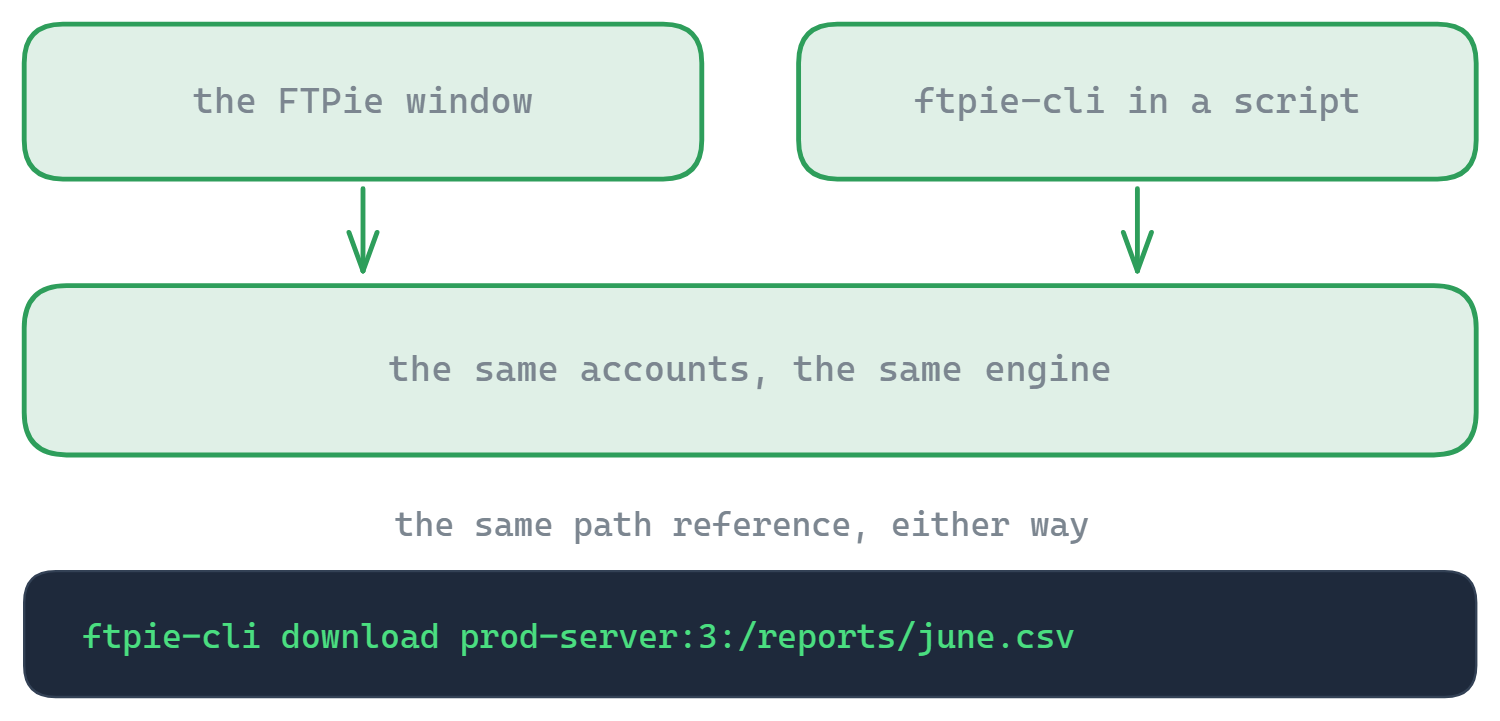
This is the entire comparison in a nutshell. Rclone has no graphical interface. You configure it through an interactive text prompt or by editing a config file, and you run operations by typing commands. There are third-party GUIs (like Rclone Browser), but none are official and they only expose a fraction of Rclone's capabilities.

FTPie is entirely visual. You drag and drop files, click through menus, preview images in a tab, and set up backups through a wizard. There's no terminal, no config files, no commands to memorize.

If you're a developer, sysadmin, or someone who lives in the terminal, Rclone's CLI is a feature, not a limitation. Commands are composable, scriptable, and can be integrated into any automation pipeline. If you're not a terminal person — or you'd rather browse, preview, and manage files visually — that's what FTPie is for.

There's no middle ground here. You either want a GUI or you don't.

Storage backends: 70+ vs. 11

Rclone's backend list is staggering. Google Drive, Dropbox, OneDrive, S3 (and any S3-compatible service), Azure Blob, Google Cloud Storage, Backblaze B2, Wasabi, Mega, pCloud, Box, Jottacloud, Koofr, Sia, Storj, Hetzner, SFTP, FTP, WebDAV, HTTP, local filesystem — and many more. If a storage service has an API, there's a good chance Rclone supports it.

FTPie supports 11 services: FTP, FTPS, SFTP, WebDAV, Google Drive, Dropbox, OneDrive, pCloud, Box, Mega, and local PC. Object storage (S3, Azure, GCS) is on the roadmap. That covers the mainstream bases, but it's a fraction of Rclone's reach.

If you need to connect to niche or self-hosted services — Storj, Sia, Ceph, MinIO, Hetzner Storage Box — Rclone is your only option here. If you work with the major consumer and FTP services, FTPie has you covered.

Automation and scripting

This is where Rclone is in a league of its own. Every operation is a command, which means it can be scripted, scheduled, piped, chained with other tools, and run headless on a server. Need to sync a folder every night at 3 AM, filter files by pattern, limit bandwidth during business hours, encrypt everything with a custom key, and log the results? Rclone can do all of that in a single command with the right flags.

Common Rclone workflows include:

  • Automated backups via cron (Linux) or Task Scheduler (Windows)
  • Cloud-to-cloud migration scripts
  • Encrypted vaults on any storage backend (Rclone's crypt remote)
  • Bandwidth-throttled transfers during peak hours
  • Mounting cloud storage as a local drive (rclone mount)

FTPie doesn't have scripting. It does have a built-in Auto Backup feature that covers the most common scheduled backup scenario — pick source and destination, choose a schedule, set compression and encryption options, and let it run. It's done through a visual wizard, no commands needed. For many users, this is all they need. But it's not in the same universe as Rclone's flexibility.

Day-to-day file management

Rclone can list files, copy, move, delete, and sync — but everything is command-by-command. Want to browse a folder, look at a few images, edit a config file, and then move some files around? That's multiple commands, and there's no way to preview file contents without downloading them first.

This is where FTPie's visual approach pays off. You can:

  • Browse two locations side by side in a dual-pane layout
  • Preview images, PDFs, and videos directly in the app
  • Edit code and text files in the built-in Monaco editor
  • Stream music from remote storage
  • Drag and drop files between any two storages
  • Right-click to compress, share, or upload from Windows Explorer

For interactive file management — browsing, organizing, previewing, editing — a GUI is simply faster and more natural than typing rclone ls, rclone copy, and rclone cat over and over. For batch operations on thousands of files, Rclone's CLI is faster and more precise.

Side-by-side comparison

Feature FTPie Rclone
Graphical interface
Command-line interface
FTP / FTPS / SFTP
Storage backends1170+
Cross-platform
Server-to-server transfers
Dual-pane file manager
Built-in file viewers/editors
Scripting / automation
Mount as local drive
Client-side encryption
Backup scheduling (built-in) Partial
File compression
Windows shell integration
Open source
Free to use Partial

Where Rclone has the edge

  • 70+ storage backends. Nothing else comes close. If the service exists, Rclone probably supports it. S3-compatible, WebDAV, SFTP, or proprietary API — it doesn't matter.
  • Scripting and automation. Every operation is a command. Chain them, schedule them, pipe them, run them on headless servers. For automated workflows, Rclone is unmatched.
  • Cross-platform. Windows, macOS, Linux, FreeBSD, even ARM. Runs anywhere, same syntax everywhere.
  • Mount as local drive. rclone mount makes any cloud storage appear as a local drive in your file explorer. FTPie doesn't do this.
  • Client-side encryption. Rclone's crypt remote encrypts files before upload with zero-knowledge encryption. Works with any backend. FTPie has encryption planned but not shipped yet.
  • Completely free and open source. No connection limits, no paid tiers, no restrictions. MIT-licensed. FTPie's free plan limits FTP/FTPS to one connection.
  • Bandwidth throttling. Limit transfer speeds by time of day — useful for shared connections.

Where FTPie has the edge

  • Visual file management. Dual-pane layout, drag and drop, thumbnail previews, tree navigation. For interactive browsing and organizing, a GUI beats typing commands every time.
  • Built-in viewers and editors. Open images, PDFs, code files, and videos right in the app. Stream music from remote storage. Rclone has no way to preview anything — you'd need to download files and open them in separate tools.
  • Zero learning curve. If you can use Windows Explorer, you can use FTPie. Rclone requires learning its command syntax, understanding remotes, reading docs on flags and filters. The power is there, but so is the learning investment.
  • Built-in backup wizard. Set up scheduled backups with compression and AES encryption through a point-and-click interface. Rclone can do the same thing, but you'll be writing scripts and setting up Task Scheduler yourself.
  • Windows integration. Shell extension for right-click uploads and sharing, JumpList, System Tray with global hotkeys, clipboard integration with Explorer.
  • File compression. Create and preview zip archives directly on remote storage without downloading.

So which one should you pick?

This one's actually pretty straightforward.

If you're comfortable with the command line and want maximum control, flexibility, and backend coverage, Rclone is hard to beat. It's one of those tools that can do almost anything if you know the right flags. The trade-off is that everything requires reading docs and typing commands.

If you want to manage files visually — browse folders, preview content, drag and drop between storages, set up backups through a wizard — FTPie gives you that without touching a terminal. Its free plan is limited to one FTP/FTPS connection (SFTP and cloud are unlimited), which is more restrictive than Rclone's fully-free model, but for many users the visual experience is worth it.

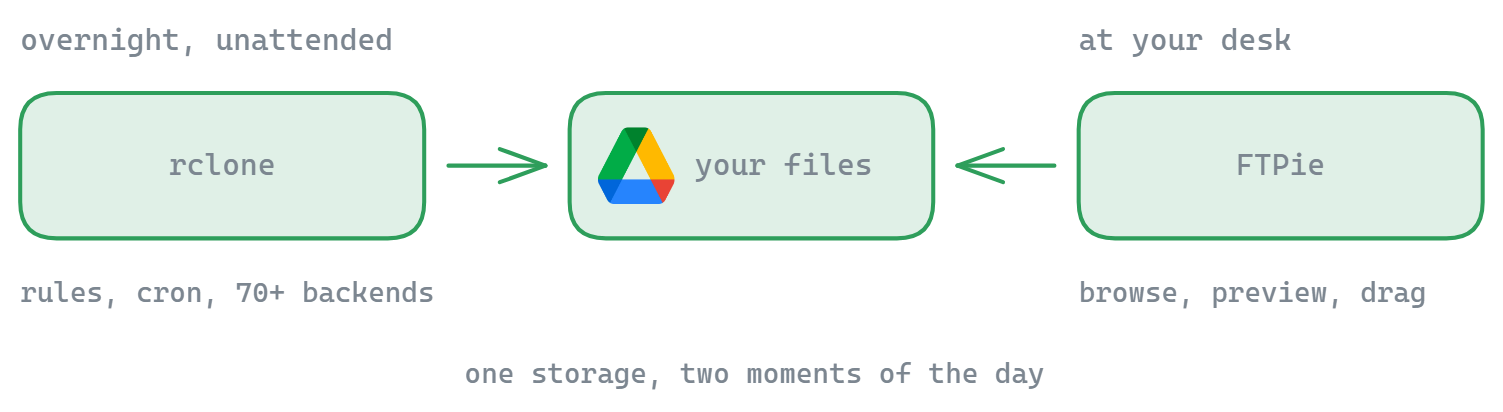
And honestly, plenty of people use both. Rclone for scheduled sync scripts and heavy batch operations, FTPie for day-to-day browsing and file management. They complement each other well.

Start Your 14-Day Free Trial

Download FTPie and start your free 14-day trial. Enjoy seamless FTP + cloud integration and keep using the free version afterward.

Download Free Trial
CASA Verified & VirusTotal Scanned
14-day trial · Free version included
Windows 10 & 11