Comparison

FTPie vs WinSCP

Both Windows-native, but built for very different workflows

FTPie — All-in-one FTP + cloud file manager vs WinSCP — The sysadmin's SFTP tool of choice

WinSCP has been a go-to tool for Windows sysadmins since 2000. If you've ever SSH'd into a Linux server from a Windows machine and needed to move files around, there's a good chance WinSCP was involved. It's free, open-source, and deeply focused on secure file transfer — SFTP, SCP, FTP, and more recently S3 and WebDAV.

FTPie is a different kind of tool. It supports the same core protocols but wraps them in a broader package — cloud storage, built-in file viewers, backup scheduling, and a bunch of extras that go well beyond file transfer. It's also Windows-only, but that's where the similarities end.

The real question isn't which one is "better" — it's which one matches how you work.

Protocols: both strong, different strengths

WinSCP supports FTP, FTPS, SFTP, SCP, S3, and WebDAV. It's particularly strong with SFTP and SCP — the SSH-based protocols that sysadmins rely on daily. It integrates with PuTTY's authentication agent (Pageant), handles SSH host key verification properly, and supports advanced SSH features like tunneling. If you're managing Linux servers, WinSCP speaks your language.

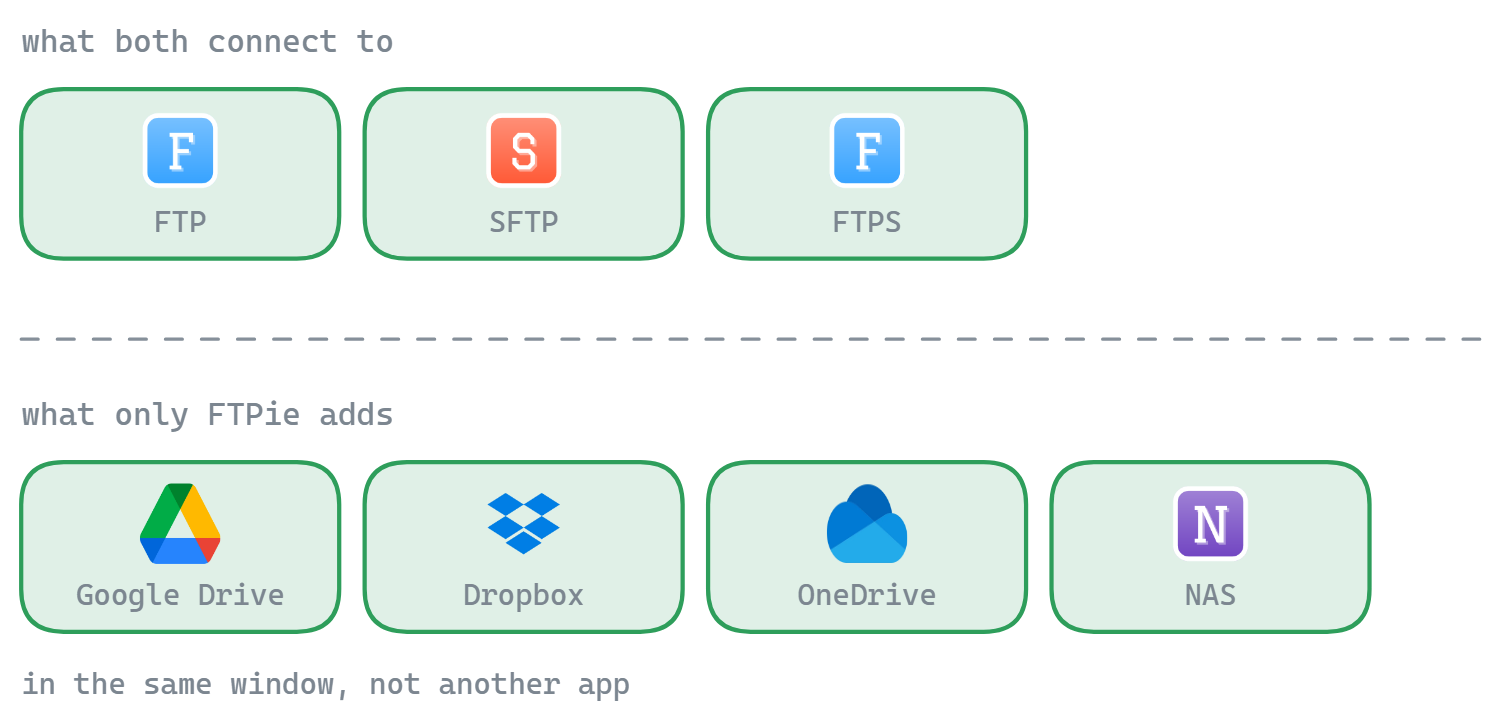
FTPie covers FTP, FTPS, SFTP, and WebDAV. It doesn't support SCP or S3 (S3 is on the roadmap). Where FTPie differs is cloud storage — Google Drive, Dropbox, OneDrive, pCloud, Box, and Mega are built in alongside the traditional protocols. You manage everything from the same interface.

So if you're connecting to servers, both work. If you also need cloud storage, FTPie has it. If you need SCP or S3 today, WinSCP has it.

Scripting and automation: WinSCP's killer feature

This is where WinSCP really shines, and where FTPie can't compete.

WinSCP has a full command-line interface and its own scripting language. You can write scripts that connect to a server, download files matching a pattern, synchronize directories, and handle errors — all without opening the GUI. It also ships as a .NET assembly, so you can call it from PowerShell or C# code. For automated deployment pipelines, scheduled file pulls, or CI/CD workflows, this is incredibly useful.

FTPie has no CLI and no scripting support. Everything is done through the GUI. If your workflow involves automating file transfers via scripts — cron jobs, build pipelines, scheduled syncs — WinSCP is the clear winner here. There's no workaround for this one.

FTPie does have a CLI on its roadmap for 2026, but it's not available yet. Today, if you need scripting, it's WinSCP.

Interface: functional vs. modern

WinSCP offers two interface modes — a "Commander" dual-pane view (similar to Total Commander) and an "Explorer" view that mimics Windows Explorer. Both are functional and get the job done, but the UI looks and feels like a classic Windows application. There's no dark mode, and the visual design hasn't changed much over the years. For many sysadmins, this is fine — familiarity and efficiency matter more than aesthetics.

FTPie uses a tabbed, browser-style interface with a dual-pane file manager. It has full dark and light theme support, modern styling, and each tool (viewers, editors, settings) opens in its own tab. The file browser supports multiple view modes — details, icons, and thumbnail previews.

This is partly a matter of taste, but the gap is real. If you spend hours in the tool daily and care about visual comfort (especially dark mode for late-night server work), FTPie is noticeably more pleasant. If you just need to get in, move files, and get out, WinSCP's no-frills approach works just fine.

Built-in tools: all-in-one vs. focused

WinSCP has a built-in text editor for quick remote file edits, and it can open files in external editors with automatic re-upload on save. That's about it for built-in tooling — and intentionally so. WinSCP's philosophy is to do file transfer well and let you use other tools for everything else.

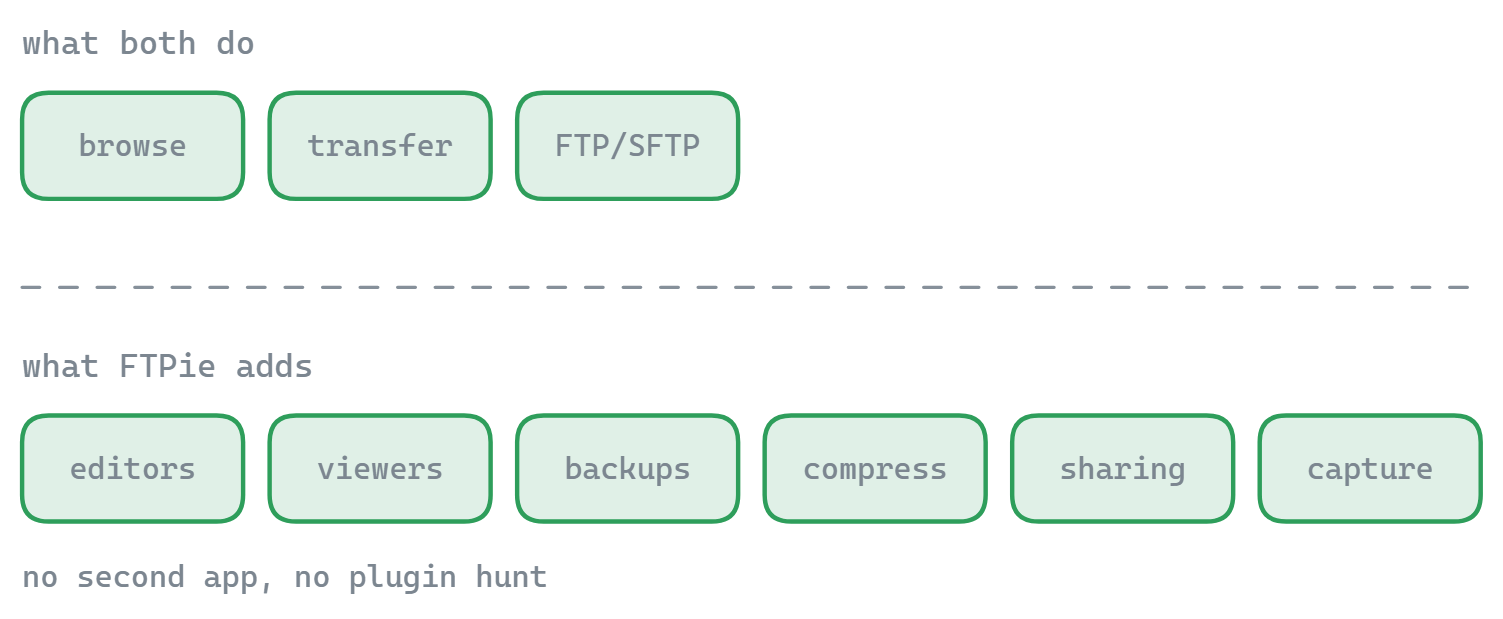
FTPie takes the opposite approach and bundles quite a lot:

  • Code editor (Monaco/VS Code engine) with syntax highlighting for 50+ languages
  • Image viewer with zoom, rotate, and pan
  • PDF viewer and video/music player — stream media directly from remote storage
  • Backup scheduler with compression (zip) and encryption (AES-256)
  • File compression — create and preview zip archives on remote storage
  • Notes tool, screenshot tool, and screen recorder

For a sysadmin who just needs to edit a config file and move on, WinSCP's approach is perfectly adequate — open in your preferred editor, save, done. For someone managing web content, reviewing uploaded files, or setting up recurring backups, FTPie's built-in tools save a lot of context switching.

Cloud storage: FTPie's territory

WinSCP doesn't support consumer cloud storage. No Google Drive, no Dropbox, no OneDrive. It does support Amazon S3, which is useful for developers and ops teams, but if you need to manage personal or business cloud storage alongside your servers, WinSCP isn't the tool for that.

FTPie includes six cloud services in its free plan — Google Drive, Dropbox, OneDrive, pCloud, Box, and Mega. You can browse them side by side with your FTP servers and transfer files between any combination. Want to move files from an SFTP server to Google Drive? Just drag and drop — FTPie handles the transfer directly without downloading to your local machine first.

If your work is entirely server-to-server, this won't matter to you. But if you ever need to shuffle files between cloud services and traditional servers, it's a real time-saver.

Side-by-side comparison

Feature FTPie WinSCP
FTP / FTPS / SFTP
SCP
Amazon S3
Cloud storage (Google Drive, Dropbox…)
Server-to-server transfers
CLI / scripting
.NET assembly / PowerShell
PuTTY integration
Built-in file viewers/editors Partial
Backup scheduling Partial
File compression
Dark / light theme
Open source
Free to use Partial

Where WinSCP has the edge

  • Scripting and automation. Full CLI, its own scripting language, and a .NET assembly for PowerShell/C# integration. If you need to automate file transfers in any way, WinSCP is built for it.
  • PuTTY ecosystem. Shares SSH keys with Pageant, integrates with PuTTY terminal. If PuTTY is already part of your toolkit, WinSCP slots right in.
  • SCP and S3 support. FTPie doesn't support either today. If you need SCP for legacy systems or S3 for AWS workflows, WinSCP has you covered.
  • Completely free. No connection limits, no paid tiers. WinSCP is fully open-source and free for everything. FTPie's free plan limits you to one FTP/FTPS connection.
  • Battle-tested with SSH. Two decades of handling every SSH server quirk imaginable. Host key verification, keyboard-interactive auth, SSH tunneling — it's all there and well-tested.
  • Directory synchronization. WinSCP can compare and sync local and remote directories, which is useful for deployments and keeping folders in sync.

Where FTPie has the edge

  • Cloud storage built in. Six cloud services alongside your FTP/SFTP servers, all in one file manager. Transfer between cloud and server without local downloads.
  • Built-in viewers and editors. Code editor, image viewer, PDF viewer, video/music player — all in tabs. Preview uploaded content without leaving the app.
  • Backup scheduler. Set up recurring backups between any two storages with compression and AES encryption. WinSCP can do basic syncs via scripting, but there's no built-in backup UI.
  • Modern interface. Tabbed browsing, proper dark/light themes, thumbnail previews. If you're in the tool for extended periods, the visual comfort adds up.
  • File compression. Create, preview, and extract zip archives directly on remote storage without downloading entire files.
  • Windows shell integration. Right-click upload, Quick Share for instant links, drag-and-drop between FTPie and Explorer, global hotkeys. WinSCP has Explorer integration too, but FTPie's goes further with upload-to-cloud and sharing features.

So which one should you pick?

These two tools serve genuinely different audiences, and there's surprisingly little overlap in who should use which.

If you're a sysadmin or developer who manages servers via SSH, needs scripted file transfers, or works with PuTTY — WinSCP is purpose-built for you. Its scripting and automation capabilities are in a different league, it's completely free with no limits, and it has 20+ years of rock-solid SSH handling behind it.

If your work is more about managing files across different storages — uploading web content, organizing files between cloud services and servers, previewing media, setting up backups — FTPie brings all of that into one window without needing to install or switch between multiple tools. The free plan is limited to one FTP/FTPS connection (SFTP and cloud are unlimited), so you may need a paid plan if you manage several FTP servers.

Some people will genuinely benefit from having both — WinSCP for server automation and FTPie for everything else. They don't conflict with each other, and they're both free to try.

Start Your 14-Day Free Trial

Download FTPie and start your free 14-day trial. Enjoy seamless FTP + cloud integration and keep using the free version afterward.

Download Free Trial
CASA Verified & VirusTotal Scanned
14-day trial · Free version included
Windows 10 & 11