OneDrive Client for Windows
Use personal and work or school OneDrive together in one Windows file manager - browse, transfer and back up across all of them and your other storage.
OneDrive is built into Windows, which sounds convenient until you have more than one account. The built-in client is happiest with a single personal OneDrive; mixing a personal account with a work or school (Microsoft 365) account means juggling sync settings, and moving files between the two is a clumsy copy-through-Explorer affair.
FTPie treats each OneDrive as just another storage you can open. Personal and work/school accounts sit side by side in the same window, so switching between them - or moving files across them - is a drag, not a reconfiguration.
How FTPie connects to OneDrive
OneDrive is a native, built-in integration. Setup is quick:
- Add a new storage in FTPie and choose OneDrive.
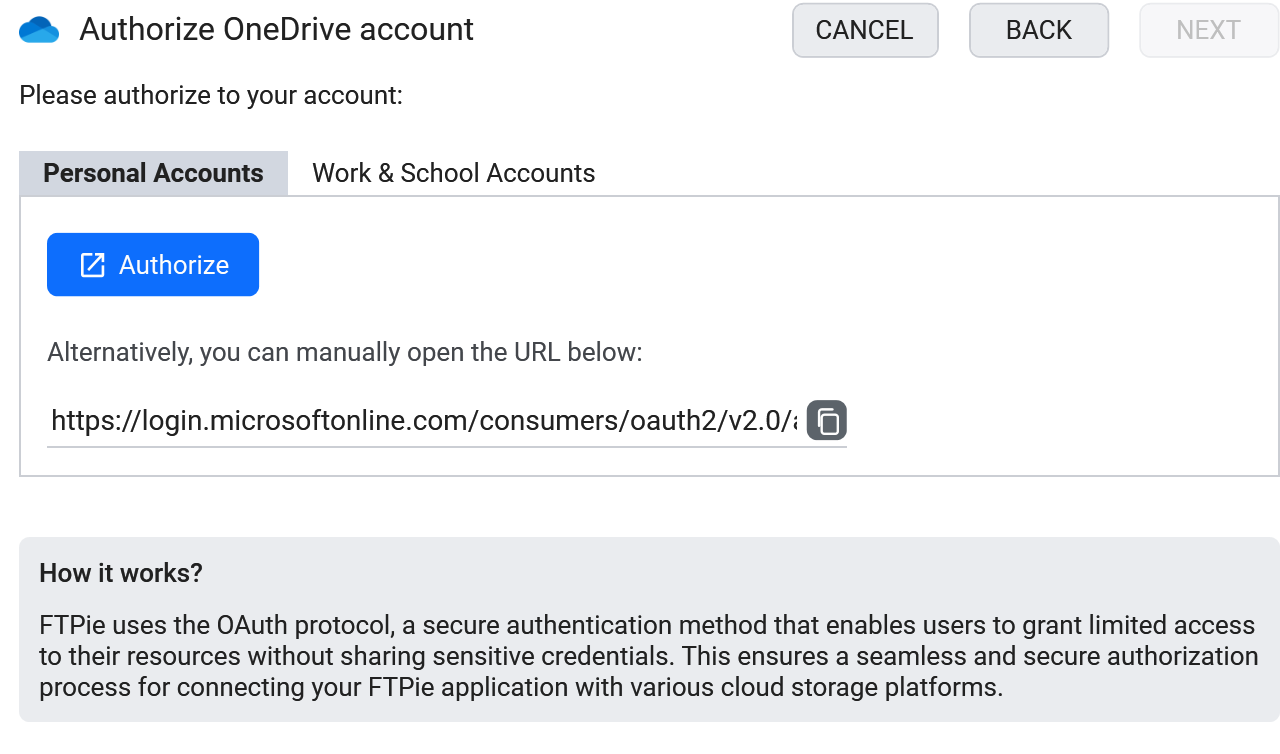
- Sign in through Microsoft's consent screen - works for personal and work/school accounts.
- The account appears as a tile. Add your other OneDrive accounts the same way.
What you can do
- Personal + work/school together - all your OneDrives open at once
- Move files between accounts by dragging across panes - no download/re-upload
- No forced local sync - browse without mirroring everything to your disk
- Edit in place and save straight back to OneDrive
- Unlocks Microsoft 365 everywhere - with OneDrive connected, edit documents from any connected storage in Office Online (Microsoft 365), then save them back in place
- Scheduled backups to or from OneDrive
OneDrive next to everything else
Because OneDrive lives in the same window as your other clouds, FTP servers and NAS, you can do things the official app cannot: copy a folder from a work OneDrive to a personal Dropbox, archive an old project from OneDrive to an FTP server, or migrate out of OneDrive entirely - all by dragging between panes.
OneDrive and AI assistants (MCP)
MCP - the Model Context Protocol - is the open standard that lets an AI assistant call external tools, and file storage was one of the first things people connected to it. Being a standard rather than one vendor's integration, the same server works across whichever AI client you use. The awkward part for OneDrive users is that most people have two accounts - a personal one and a work or school one - and single-provider connectors generally expect one of each thing.
FTPie already signs in to both: personal Microsoft accounts and OneDrive for Business (work/school) accounts, side by side in the same window. The MCP server - shipped in 2026.9.2 - exposes whichever of them you have added, alongside your other storage, through a single endpoint. So "take the deck from my work OneDrive and drop a copy in my personal one" is one instruction rather than two tools and a manual download in between.
One honest limitation: this covers OneDrive drives, personal and Business. SharePoint team sites and shared document libraries are not currently supported in FTPie, so they will not appear through MCP either.
Common questions
Yes - both personal and work/school OneDrive accounts, and you can run them at the same time.
No. FTPie streams on demand - files download only when you open or transfer them.
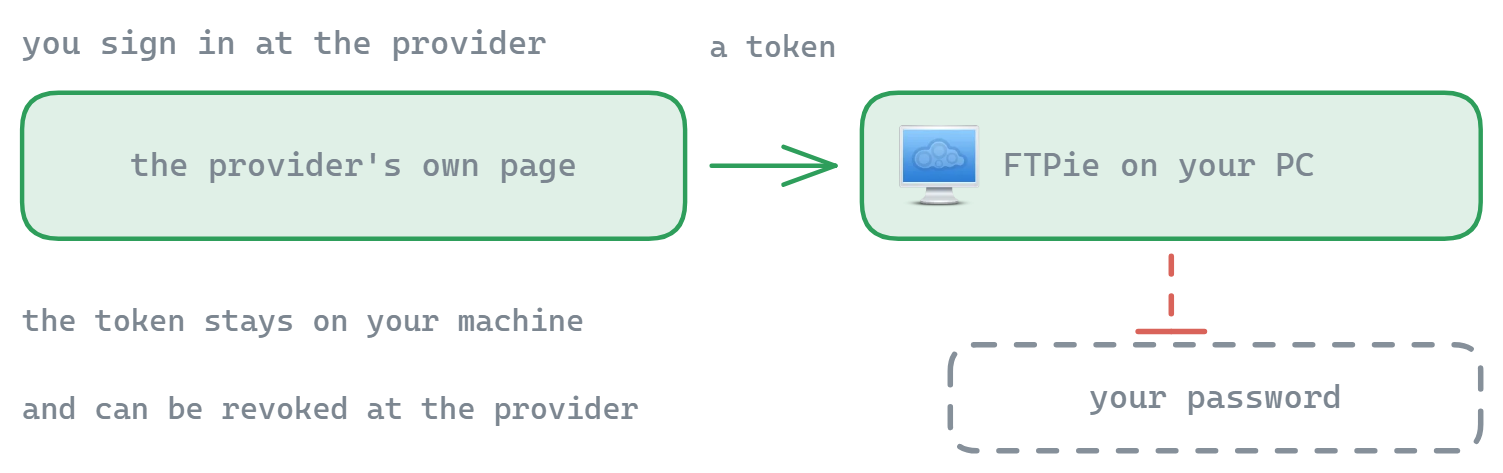
No. Sign-in uses Microsoft's standard OAuth flow and tokens stay on your device. See the security page.
Cloud connections are part of FTPie Pro. The free plan covers up to 3 FTP/FTPS/SFTP connections; Pro adds the clouds, WebDAV, NAS and self-hosted, with a 30-day free trial. See the plan comparison.
Related
- All integrations
- Google Drive client for Windows and Dropbox client for Windows
- Transfer files between cloud accounts
Start Your 30-Day Free Trial
Download FTPie and start your free 30-day trial. Enjoy seamless FTP + cloud integration and keep using the free version afterward.
Download Free Trial