Scheduled & Automatic File Transfers
Send files and folders from one location to another - local, FTP, SFTP, cloud or NAS - on a schedule. No scripts, no Task Scheduler, no cron.
Scheduled Transfers shipped with the FTPie 2026.7.2 release, completing the trio started by File Encryption and the CLI. It is part of FTPie Pro and works during the free trial.
The usual way to automate a recurring file transfer on Windows is to write a script, wire it into Task Scheduler, and hope it still works in six months. That is fine if you live in PowerShell. For everyone else it is a brittle, invisible chore that breaks silently the moment a path or a password changes.
Scheduled Transfers gives you the same outcome from a normal interface. Pick a source and a destination - any two locations FTPie can reach - choose how often it should run, and FTPie does the rest. No scripts, no cron syntax, no Task Scheduler.
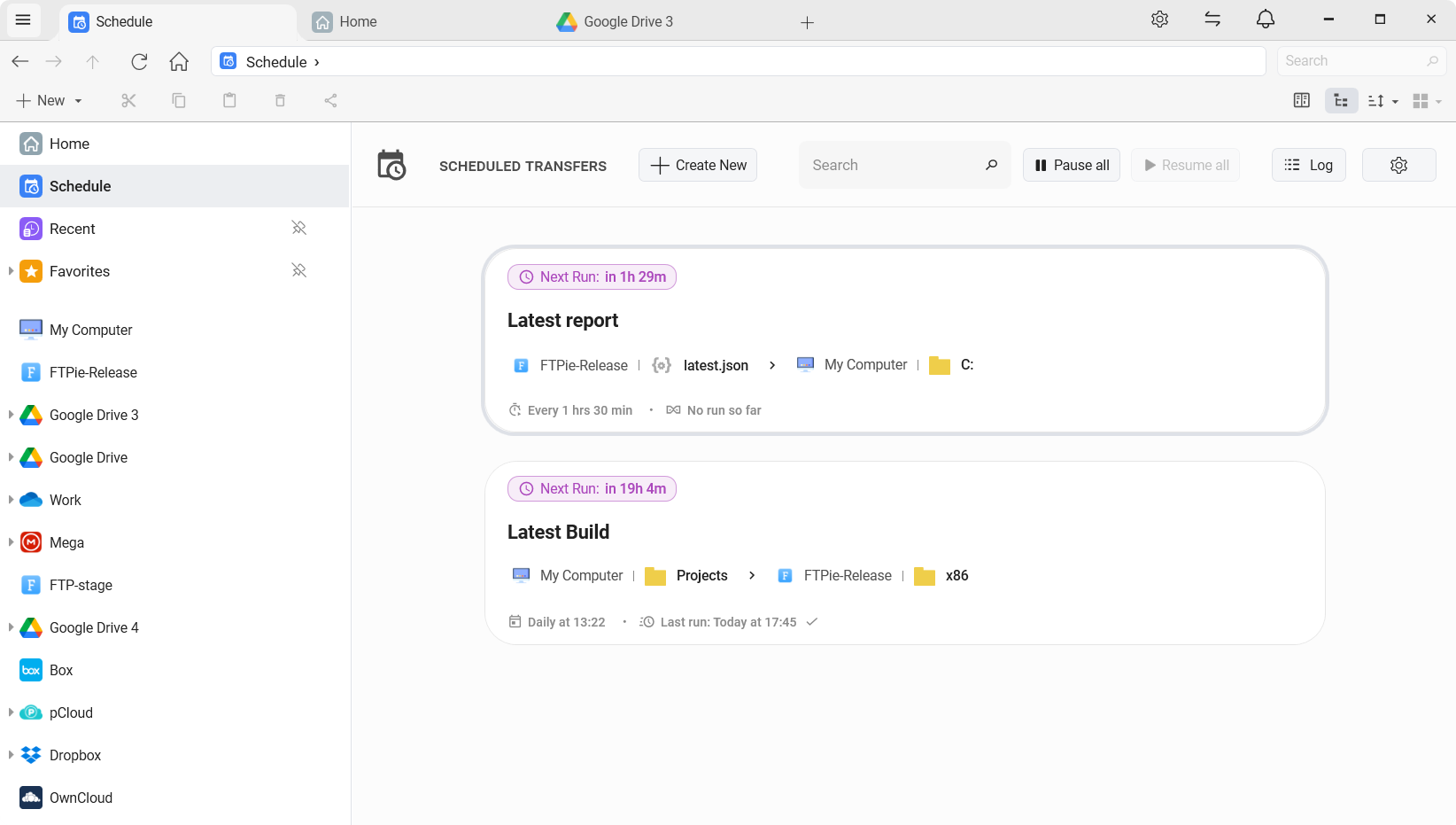
Transfer between any two locations, on a timetable
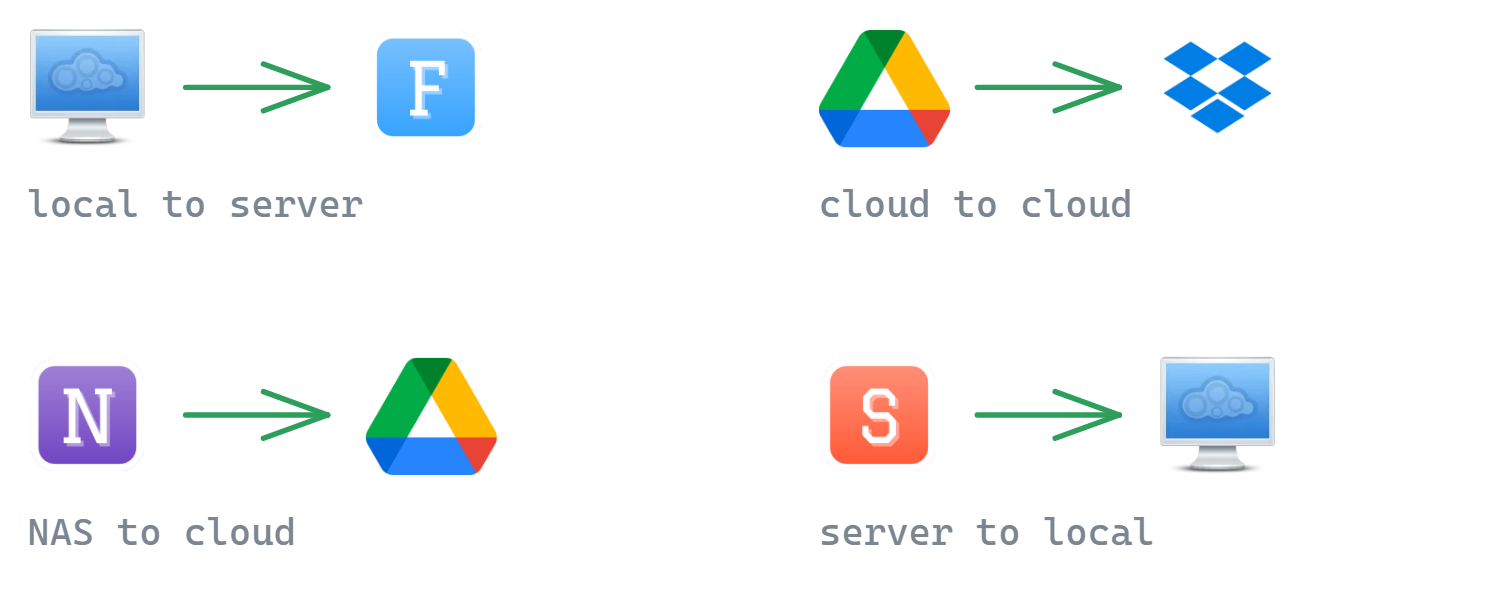
Because it runs on FTPie's transfer engine, a schedule can move files across any pairing you can browse in the app:
- Local → server - push a working folder to an FTP/SFTP host every evening
- Cloud → cloud - copy a Google Drive folder to Dropbox every night
- NAS → cloud - copy from a Synology or QNAP to off-site cloud storage
- Server → local - pull nightly exports or logs down to your PC automatically
Everything a real routine needs
A schedule is only half the job - the other half is what happens run after run. Each scheduled transfer is configured independently:
- Flexible schedules - daily at a set time, weekly on chosen days, custom intervals, or a one-off run on a specific date; a missed-run policy (run immediately, skip, or ask) covers times when the PC was off
- Existing-file handling - replace or skip files that already exist at the destination, chosen per transfer
- Optional ZIP packaging - pack each run into an archive, with password protection if you want it
- Notifications - get the result via in-app toast, email, Telegram, webhook, or by running a local app - per transfer, per event
- Management & history - run now, pause/resume, edit and rename from one dialog, with a per-run history of sizes, replaced/skipped counts and logs
- Health at a glance - a status dot on every transfer, and a run-history bar on hover; see below
Know it is still working, without opening it
The failure mode of any automation is that it stops quietly and you find out weeks later. Each scheduled transfer carries its own state on the card:
- A status dot next to the name - green when the last run succeeded, amber when something went wrong recently, red when the last run failed, grey when it is paused, and an empty ring when it has never run
- A run-history bar on hover - one mark per recent run, next to "Last run". Hover a mark for when it ran, how it ended, how much it moved and how long it took; click it to open the activity log for that exact run
- An activity log that survives a restart - every transfer, backup and folder notification in one timeline, newest first, filtered by job, severity or time range. Only genuine failures interrupt you; everything else is recorded there quietly
On a frequent schedule the bar is a short window - seven marks of an every-five-minutes transfer covers about half an hour - so read it as "how have the last few runs gone", not as a month in review.

How is this different from Auto Backups?
It is a fair question, because they overlap. The distinction is intent:
Protect a copy. Versioned, compressed, optionally encrypted snapshots with retention policies - built for recovery.
Send files and folders somewhere else on a timetable. Built for delivery, not for keeping history.
Use backups when you care about restoring an earlier state; use scheduled transfers when you just need files to arrive somewhere reliably and on time.

The GUI answer to WinSCP scripting
Power users have long reached for WinSCP's scripting or cron jobs to automate transfers - and our FTPie vs WinSCP comparison has openly said automation was WinSCP's territory. Scheduled Transfers, together with the CLI, covers the most common job - sending files from one place to another on a schedule - without leaving a graphical app. A script is still the better tool when you need file masks, deletes or a true two-way sync; our guide to automating FTP and SFTP transfers on Windows compares both routes.
Common questions
No code to maintain, credentials managed inside FTPie, and the schedule is visible and editable in the app instead of buried in Task Scheduler.
Daily at a set time, weekly on chosen days, custom intervals, or a one-off run on a specific date - the same flexible scheduling model FTPie already uses for Auto Backups. A per-transfer missed-run policy (run immediately, skip, or ask) covers times when the PC was off.
You choose per transfer: replace them or skip them.
No. A scheduled transfer sends the files and folders you picked from the source to the target on every run. It never deletes anything at the target, and a file that is already there is either replaced or skipped - you choose per transfer.
Yes - FTPie is a desktop app, so a scheduled run happens while your machine (and FTPie) is running. If the PC was off at the scheduled time, the missed-run policy decides what happens next.
Transfers use FTPie's resumable engine with retry, and every transfer can notify you of the result - in-app toast, email, Telegram, webhook, or by running a local app. Each run is written to the activity log, which is kept on disk, so you can open the failed run later and read everything it did leading up to the error.
Scheduled Transfers is part of FTPie Pro, available now since the 2026.7.2 release. It also works during the free Pro trial. See the plan comparison.
Related
- File transfers - the engine these jobs run on
- Auto Backup - scheduled jobs aimed at protection
- Command-line interface - the scriptable route to the same thing
- Automate FTP and SFTP transfers on Windows - a script and a scheduler, compared
- Move files between SFTP and cloud storage - S3, Azure, Google Drive and Dropbox, no gateway
Start Your 30-Day Free Trial
Download FTPie and start your free 30-day trial. Enjoy seamless FTP + cloud integration and keep using the free version afterward.
Download Free Trial