Comparison

FTPie vs Total Commander

Both are dual-pane file managers for Windows — one is a 30-year institution, the other is built for cloud

FTPie — FTP + cloud file manager with built-in tools vs Total Commander — The legendary Windows file manager

Total Commander is a legend. Originally released as Windows Commander in 1993, it's been the go-to file manager for Windows power users for over 30 years. It has a devoted following, a massive plugin ecosystem, and a keyboard-driven workflow that its fans swear by. If you've ever seen someone navigate their entire file system without touching a mouse, there's a good chance they were using Total Commander.

FTPie is a much newer tool with a different focus. It's a file manager too — with the same dual-pane layout that Total Commander popularized — but built specifically around FTP and cloud storage, with modern UI conventions and a bunch of built-in tools.

Comparing these two isn't entirely fair, because they have different primary purposes. Total Commander is a general-purpose file manager that happens to include FTP. FTPie is an FTP and cloud manager that happens to be a file manager. But since people often consider one as an alternative to the other, let's look at where each one shines.
Local file management: Total Commander's home turf

For managing files on your local drives, Total Commander is hard to beat. It has decades of refinement behind features like:

  • Multi-rename tool — batch rename files with patterns, counters, regex, and more
  • File compare — compare files by content, sync directories
  • Split and combine files — break large files into chunks or reassemble them
  • Archive handling — browse zip, rar, 7z, and other archives as if they were folders
  • Built-in search with content-level matching, regex, and filtering
  • Keyboard shortcuts for everything — power users can do everything without a mouse

FTPie has a dual-pane file browser that can handle local files too, but it's not designed to replace Total Commander as a local file manager. It doesn't have multi-rename, file comparison, split/combine, or the deep archive integration that Total Commander offers. If your primary need is managing files on your local drives, Total Commander is the more capable tool.

Cloud storage: FTPie's advantage

Total Commander has no built-in cloud storage support. It was designed in an era before cloud storage existed, and it never added native integration. There are community-made plugins for Google Drive, Dropbox, and a few other services, but they're unofficial, inconsistently updated, and setting them up requires some tinkering. Cloud support through plugins is functional but fragile.

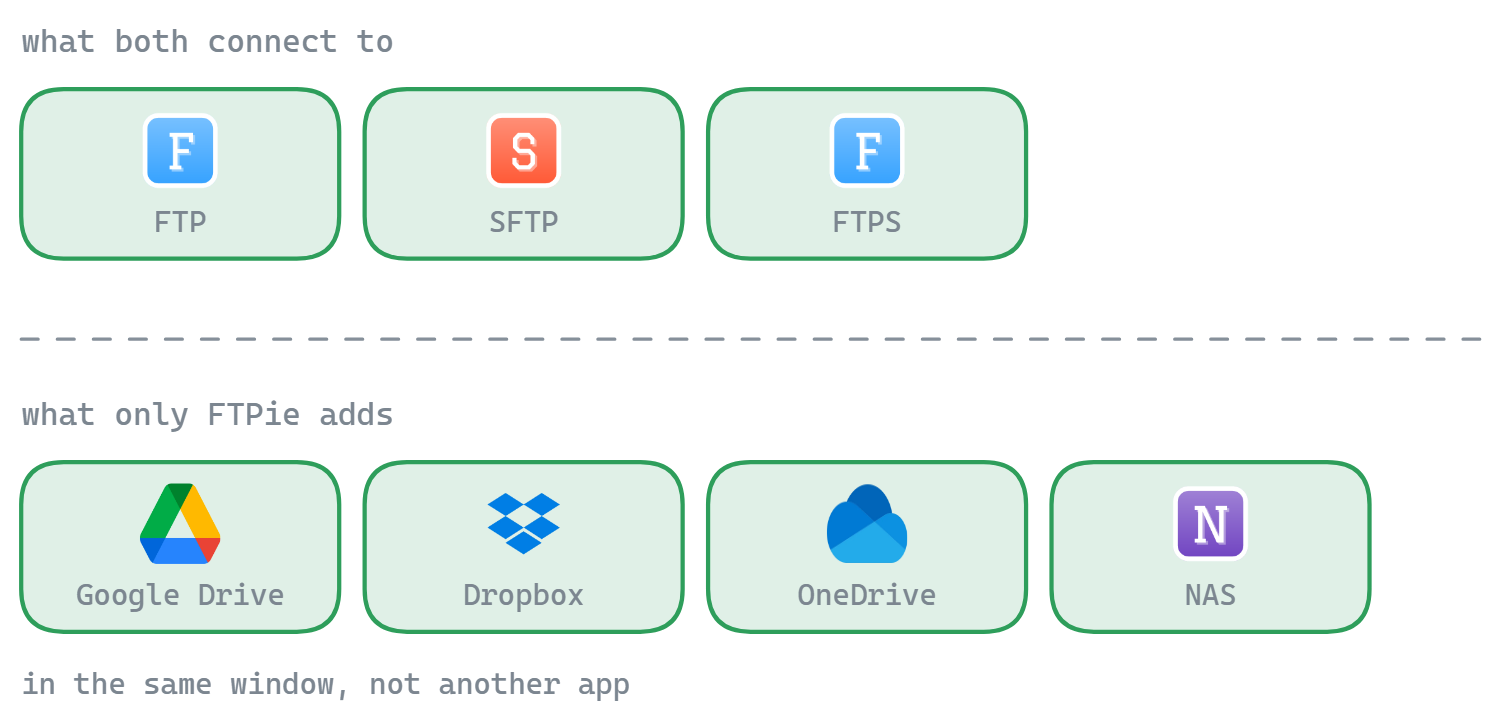
FTPie includes Google Drive, Dropbox, OneDrive, pCloud, Box, and Mega as first-class connections. They show up alongside your FTP servers in the same interface, and you can drag files between any combination of storages. Server-to-server transfers (cloud-to-FTP, cloud-to-cloud) happen without routing through your local machine.

If cloud storage is a significant part of your workflow, this is the clearest difference between the two. FTPie was built for it; Total Commander wasn't.

FTP: both capable, different depth

Total Commander has a solid built-in FTP client that supports FTP and FTPS, with resume support and connection profiles. It's good for basic FTP work. SFTP is available through a plugin (often the excellent SFTP plugin by Laszlo Erdos), but it's not built in.

FTPie supports FTP, FTPS, SFTP, and WebDAV natively. It adds parallel transfers, chunk-level pause/resume that survives restarts, configurable retry behavior, and a dedicated transfer manager with per-file progress tracking. For heavy FTP/SFTP use, FTPie's transfer engine is more capable out of the box.

For occasional FTP transfers, Total Commander's built-in client is perfectly fine. For regular FTP/SFTP work with large files or many connections, FTPie offers more control.

Plugins vs. built-in: two philosophies

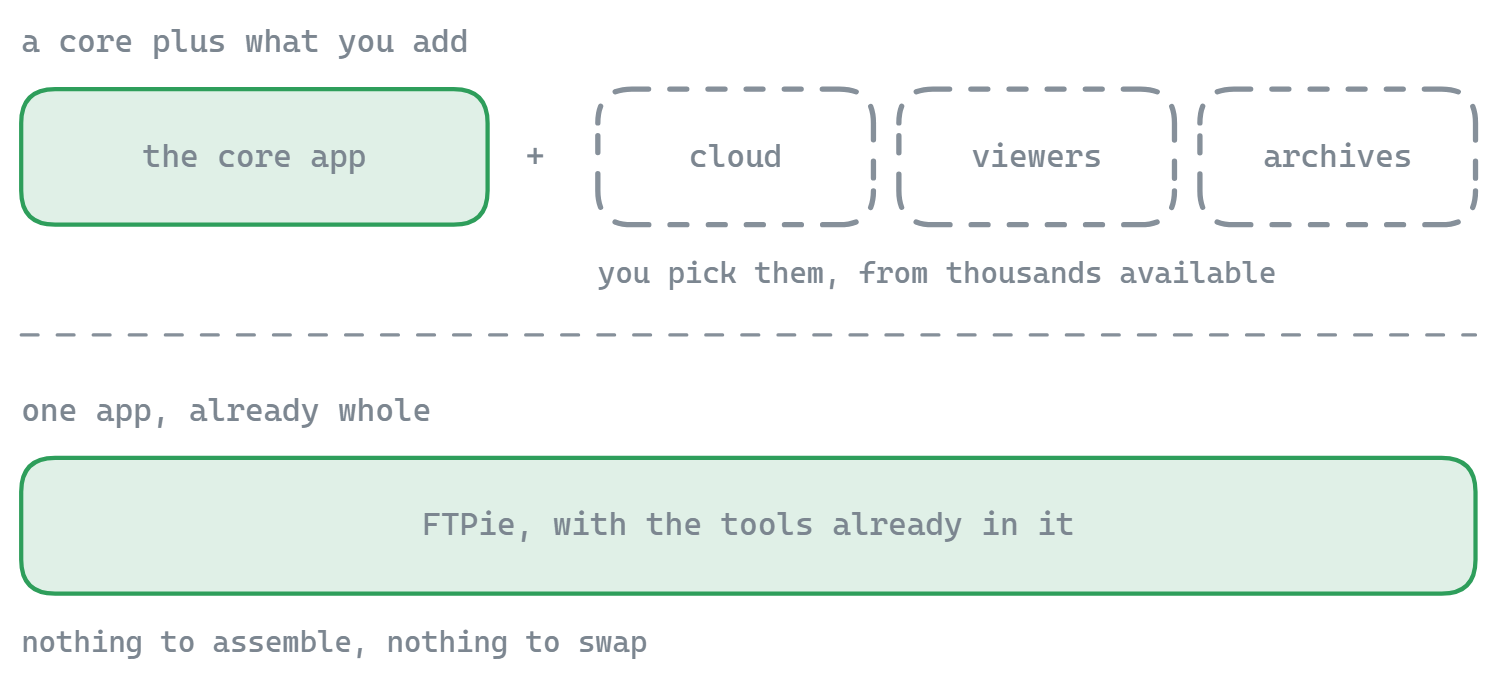
Total Commander's plugin system is one of its greatest strengths. There are thousands of plugins covering everything from archive formats and file viewers to cloud storage and system tools. You can customize Total Commander to do almost anything. But that flexibility comes at a cost — you need to find, install, and configure each plugin yourself, and some are abandoned or poorly maintained.

FTPie takes the opposite approach. Everything is built in: backup scheduler, file compression, image/PDF/video/code viewers, document editing, screenshot tool, screen recorder, notes app. You install FTPie and all of it works immediately. But you can't extend it with plugins — what's built in is what you get.

If you enjoy customizing your tools and building your own workflow piece by piece, Total Commander's plugin ecosystem is a playground. If you want things to work out of the box without hunting for plugins, FTPie's integrated approach is easier.

Interface: retro vs. modern

This is the most visible difference and the most subjective one.

Total Commander's interface hasn't fundamentally changed since the 1990s. The buttons, menus, and panels look like classic Windows software. There's limited dark mode support (through third-party themes), no image thumbnails in the modern sense, and the visual design is functional rather than polished. For long-time users, this familiarity is a feature. For new users, it can feel dated.

FTPie uses a modern tabbed interface with full dark and light theme support, thumbnail previews, clean typography, and a visual style that feels current. Each tool opens in its own tab. It's a more visually comfortable experience, especially for extended use.

If you care about aesthetics and visual comfort, FTPie wins. If you've been using Total Commander for years and your muscle memory is built around it, the old interface is what you want — and no modern redesign would improve your speed.

Side-by-side comparison

Feature FTPie Total Commander
Cloud storage (built-in)
FTP / FTPS
SFTP (built-in)
Dual-pane file manager
Plugin ecosystem
Multi-rename tool
File compare / directory sync
Server-to-server transfers
Built-in file viewers/editors Partial
Backup scheduling
Archive browsing (zip/rar/7z) Partial
Windows shell extension
Dark / light theme Partial
Free to use Partial Partial

Where Total Commander has the edge

  • Local file management. Multi-rename, file compare, directory sync, split/combine, advanced search with regex — Total Commander is a power user's dream for local file operations.
  • Plugin ecosystem. Thousands of plugins covering archive formats, file system plugins, viewer plugins, and more. If you want it, someone has probably made a plugin for it.
  • Keyboard-driven workflow. Every function has a keyboard shortcut, and power users can navigate the entire application without touching a mouse. The efficiency for experienced users is unmatched.
  • Archive handling. Browse zip, rar, 7z, tar, and dozens of other archive formats as if they were regular folders. FTPie handles zip files but can't match Total Commander's archive depth.
  • 30 years of stability. Total Commander is one of the most mature Windows applications in existence. Bugs are rare, crashes are almost unheard of, and the developer (Christian Ghisler) has maintained it consistently for three decades.
  • Generous trial. Total Commander costs ~$46, but the trial has no time limit and no feature restrictions — just a reminder dialog. Many users have used the trial for years.

Where FTPie has the edge

  • Cloud storage built in. Six cloud services alongside FTP servers, with server-to-server transfers. No plugins to find, install, or maintain.
  • Modern FTP/SFTP engine. SFTP built in (not a plugin), parallel transfers, chunk-level pause/resume, configurable retry behavior, dedicated transfer manager.
  • Built-in viewers. Code editor (Monaco), image viewer, PDF viewer, video/music player — all in tabs. Preview and edit remote files without downloading.
  • Backup scheduler. Automated backups with compression, AES encryption, scheduling options, and retention policies.
  • Modern interface. Tabbed layout, full dark/light theme, thumbnail previews. More visually comfortable for extended use.
  • Windows shell extension. Right-click upload, Quick Share, drag-and-drop and clipboard integration with Explorer, global hotkeys.

So which one should you pick?

These tools serve overlapping but different audiences.

If you're a power user who lives in a file manager all day — renaming batches of files, comparing directories, browsing archives, working with local and network drives — Total Commander is still king. Its keyboard efficiency, plugin ecosystem, and local file management features are in a class of their own. FTP is a secondary feature for Total Commander, and cloud support requires third-party plugins that aren't always reliable.

If your main work involves managing files across FTP servers and cloud storage — transferring, previewing, editing remote files, running backups — FTPie is purpose-built for that. It has native cloud support, a modern FTP/SFTP engine, built-in viewers and tools, and a clean interface. It's not trying to replace Total Commander as a local file manager, and it shouldn't.

Plenty of people use both — Total Commander for local file management and power operations, FTPie for cloud and FTP work. They have different strengths, and using one doesn't mean giving up the other.

Both have free plans with limitations: FTPie's free plan restricts FTP/FTPS to one connection, and Total Commander has an unlimited trial with a nag screen.

Start Your 14-Day Free Trial

Download FTPie and start your free 14-day trial. Enjoy seamless FTP + cloud integration and keep using the free version afterward.

Download Free Trial
CASA Verified & VirusTotal Scanned
14-day trial · Free version included
Windows 10 & 11