Nextcloud Windows Client
A Windows file manager for your Nextcloud server, with a dedicated connector - browse and transfer without syncing your whole server to disk.
You run Nextcloud because you would rather your files lived on your own server than someone's subscription. The catch on Windows has always been the client: the official desktop app syncs - it mirrors selected folders onto your disk - which is the wrong tool when you just want to browse a 500 GB server and grab one file.
FTPie is the browse-don't-sync option: a Windows file manager for Nextcloud with a dedicated connector, so you can open the whole tree, work with individual files, and never copy more than you need.
How FTPie connects to Nextcloud
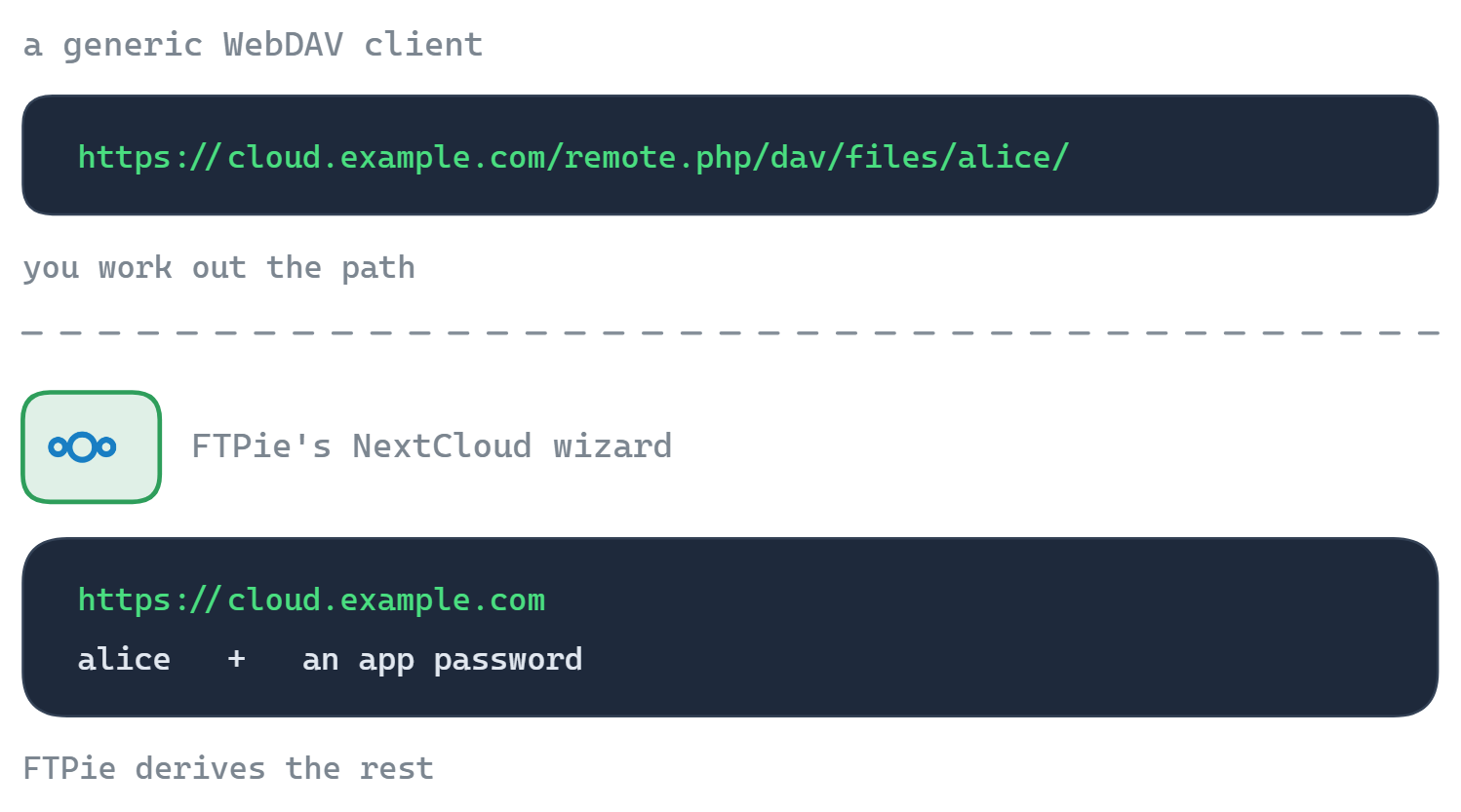
FTPie has a dedicated Nextcloud connector that talks to Nextcloud's own API - not a generic WebDAV mount. You point it at your server and sign in; the connector handles the right endpoints and per-server quirks for you, so there is no long, fiddly URL to paste.
- Add a new storage and choose Nextcloud.
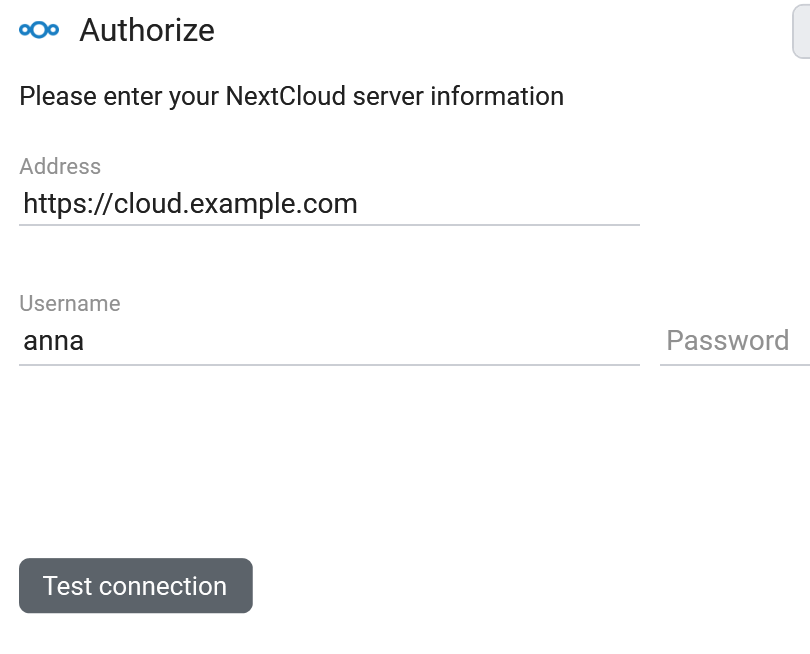
- Enter your server URL, username and an app password (recommended if you use 2FA).
- FTPie works out the endpoint and your server appears as a tile.
What you can do
- Browse without syncing - nothing downloads until you open or transfer it
- Edit in place with built-in editors or your own apps
- Back up to or from Nextcloud on a schedule, with optional encryption
- Migrate in or out - drag between Nextcloud and a commercial cloud
- App passwords and 2FA supported
Privacy fits the way you already work
Self-hosting is a privacy choice, and FTPie respects it: it is a local desktop app with no FTPie-operated server in the middle. Your Nextcloud credentials stay on your machine and talk directly to your server. For the full picture - including ownCloud and SeaFile - see self-hosted cloud on Windows.
Nextcloud and AI assistants (MCP)
MCP - the Model Context Protocol - lets an AI assistant call external tools, file storage included. If you run Nextcloud, you have already made a deliberate choice about where your data lives, and most of the storage connectors in this space assume the opposite: a hosted service, a third-party integration, an OAuth grant to a company you now have to trust.
The FTPie MCP server - shipped in 2026.9.2 - keeps that choice intact. It runs on your machine, talks to your Nextcloud over the WebDAV connection FTPie already uses, and sends nothing through anyone else's servers. Your server address and app password stay in FTPie; the assistant receives references to files, never your credentials.
Practically, that means an assistant can search and read the documents on your own server, and move things between it and whatever else you have connected - a NAS, an SFTP box, a cloud account you keep for sharing. The same applies to ownCloud and any other WebDAV server.
Common questions
No - FTPie uses a dedicated Nextcloud connector built on Nextcloud's own API, not a generic WebDAV mount. That is what handles sign-in, endpoints and per-server quirks for you.
Yes - create an app password in your Nextcloud security settings and use it as the password in FTPie.
Supported - custom server URLs and ports work, including behind a reverse proxy.
Self-hosted connections are part of FTPie Pro. The free plan covers up to 3 FTP/FTPS/SFTP connections; Pro adds self-hosted, cloud, WebDAV and NAS, with a 30-day free trial. See the plan comparison.
Related
Start Your 30-Day Free Trial
Download FTPie and start your free 30-day trial. Enjoy seamless FTP + cloud integration and keep using the free version afterward.
Download Free Trial