MEGA Client for Windows
Manage your MEGA storage from a Windows file manager instead of the browser - transfer to and from your other clouds and servers, edit in place, and back up.
MEGA's appeal is its generous free storage and end-to-end encryption, but most people only ever touch it through the web app or MEGA's own sync client. Neither is a great way to actually manage files - and neither helps you move data between MEGA and the other places your files live.
FTPie gives MEGA a real Windows file manager. Browse your MEGA storage in a dual-pane window, transfer to and from your other clouds and servers, and treat it like any other storage - without living in the browser.
How FTPie connects to MEGA
MEGA is a native, built-in integration:
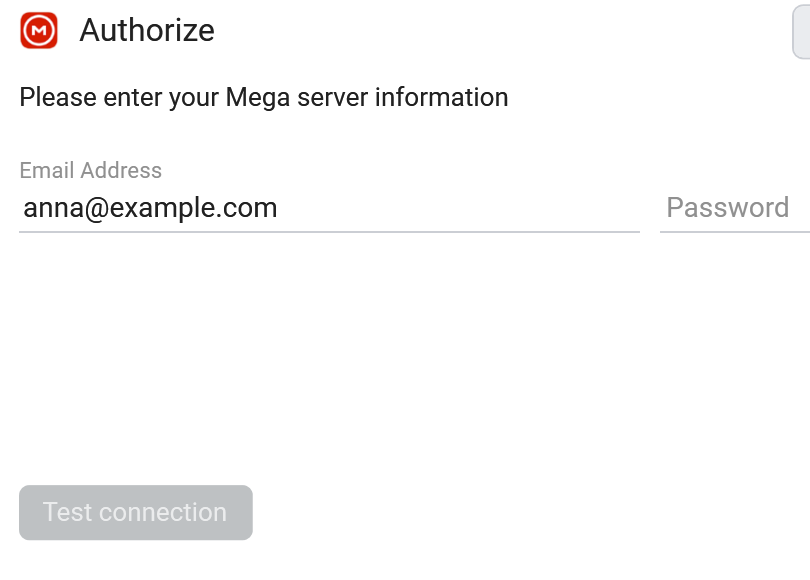
- Add a new storage in FTPie and choose MEGA.
- Sign in with your MEGA account; FTPie handles MEGA's encryption transparently.
- MEGA appears as a tile, ready to browse next to your other storage.
What you can do
- A proper file manager for MEGA - dual-pane, tabs, tree view
- Transfer between MEGA and other storage by dragging across panes
- Edit in place with built-in editors or external apps
- On-demand access - no full sync to your disk
- Scheduled backups to or from MEGA
MEGA next to everything else
Use MEGA's free space as an off-site backup target for your FTP server or NAS, migrate files from another cloud into MEGA, or pull a folder out of MEGA into storage you control - all by dragging between panes in a single window.
Common questions
Yes - MEGA's account encryption is handled for you when you sign in, so files are readable in FTPie as you would expect.
No - FTPie streams on demand, downloading files only when you open or transfer them.
No. FTPie is a local desktop app and your credentials stay on your machine. See the security page.
Cloud connections are part of FTPie Pro. The free plan covers up to 3 FTP/FTPS/SFTP connections; Pro adds the clouds, WebDAV, NAS and self-hosted, with a 30-day free trial. See the plan comparison.
Related
- All integrations
- pCloud client for Windows and Dropbox client for Windows
- Transfer files between cloud accounts
Start Your 30-Day Free Trial
Download FTPie and start your free 30-day trial. Enjoy seamless FTP + cloud integration and keep using the free version afterward.
Download Free Trial