ownCloud Windows Client
A Windows file manager for your ownCloud server, with a dedicated connector - browse and transfer without syncing the whole server to your disk.
ownCloud gives a team or a household its own file platform - but the official Windows client is a sync client. It is built around mirroring folders to each machine, which is a poor fit when people just want to dip into a shared server, grab a file, or move something in and out without dedicating disk space to a full local copy.
FTPie is the file-manager alternative: a Windows client for ownCloud with a dedicated connector that lets you browse and transfer on demand, alongside your other clouds and servers.
How FTPie connects to ownCloud
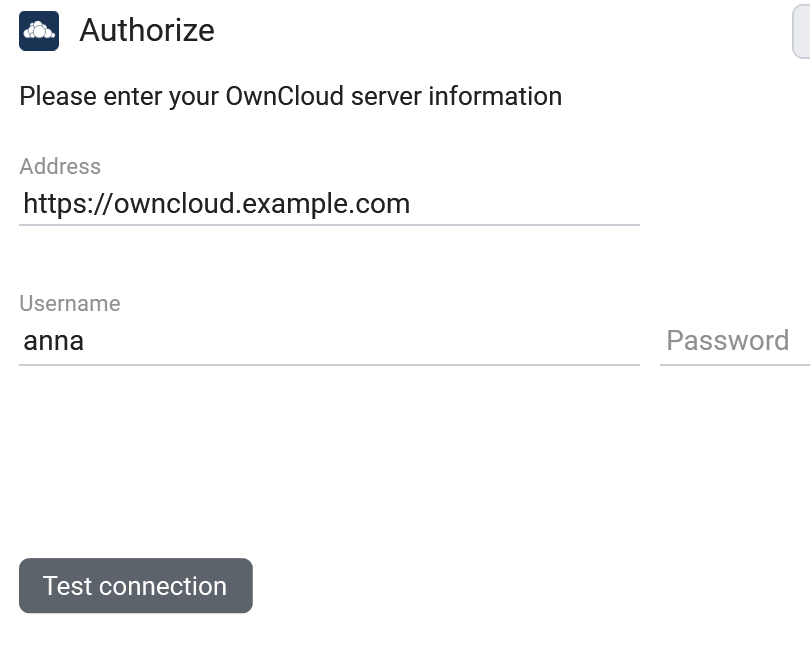
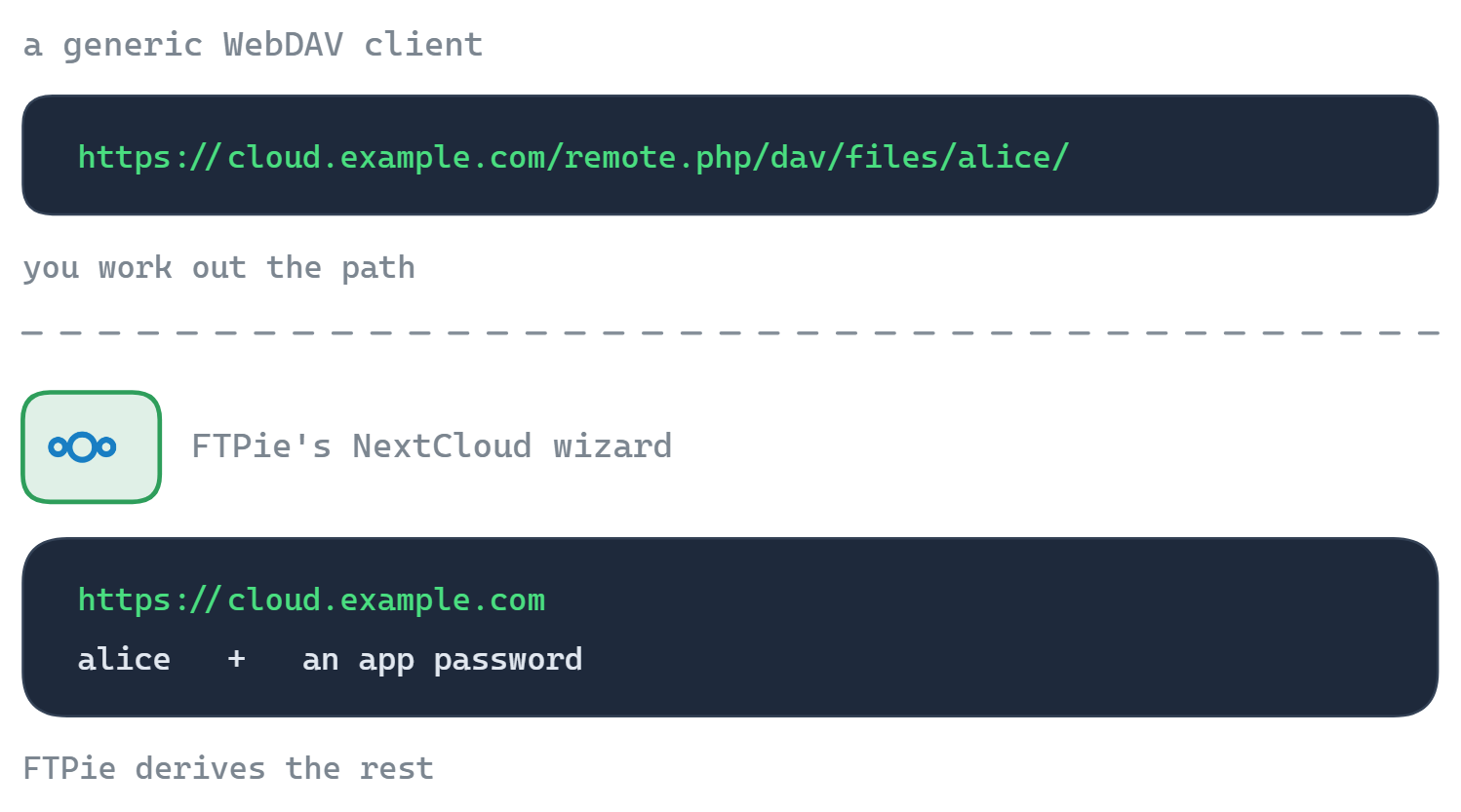
FTPie has a dedicated ownCloud connector that talks to ownCloud's own API - not a generic WebDAV mount. You point it at your server and sign in; the connector works out the endpoint for you, so there is no URL to construct by hand. It works against classic ownCloud and ownCloud Infinite Scale.
- Add a new storage and choose ownCloud.
- Enter your server URL, username and an app password (recommended with 2FA).
- FTPie resolves the endpoint and your server appears as a tile.
What you can do
- Browse without syncing - on-demand access, no full local mirror
- Edit in place with built-in editors or external apps
- Scheduled backups to or from your ownCloud server
- Migrate in or out by dragging between ownCloud and another storage
- App passwords and 2FA supported
Built for the self-hosted mindset
FTPie is a local desktop app: your ownCloud credentials stay on your machine and connect straight to your server, with no FTPie-operated proxy in between. If you also run Nextcloud or SeaFile, the same approach covers all three - see self-hosted cloud on Windows.
Common questions
No - FTPie uses a dedicated ownCloud connector built on ownCloud's own API, not a generic WebDAV mount. It handles sign-in, endpoints and per-server quirks for you.
Yes - classic ownCloud and Infinite Scale instances both work.
Yes - generate one in ownCloud's security settings and use it as the password in FTPie.
Self-hosted connections are part of FTPie Pro. The free plan covers up to 3 FTP/FTPS/SFTP connections; Pro adds self-hosted, cloud, WebDAV and NAS, with a 30-day free trial. See the plan comparison.
Related
- All integrations
- Nextcloud Windows client and WebDAV client for Windows
- Self-hosted cloud on Windows
Start Your 30-Day Free Trial
Download FTPie and start your free 30-day trial. Enjoy seamless FTP + cloud integration and keep using the free version afterward.
Download Free Trial