FTPie did not start as FTPie. It started as a different product, built by a different team, under a different name. The path from that first version to what FTPie is today involved a lost domain, a complete rebuild, and a shift in philosophy about what file management software should be.
This is the story behind FTPie - how it began, what shaped it, and where it is going.
It started with CloudBuckit
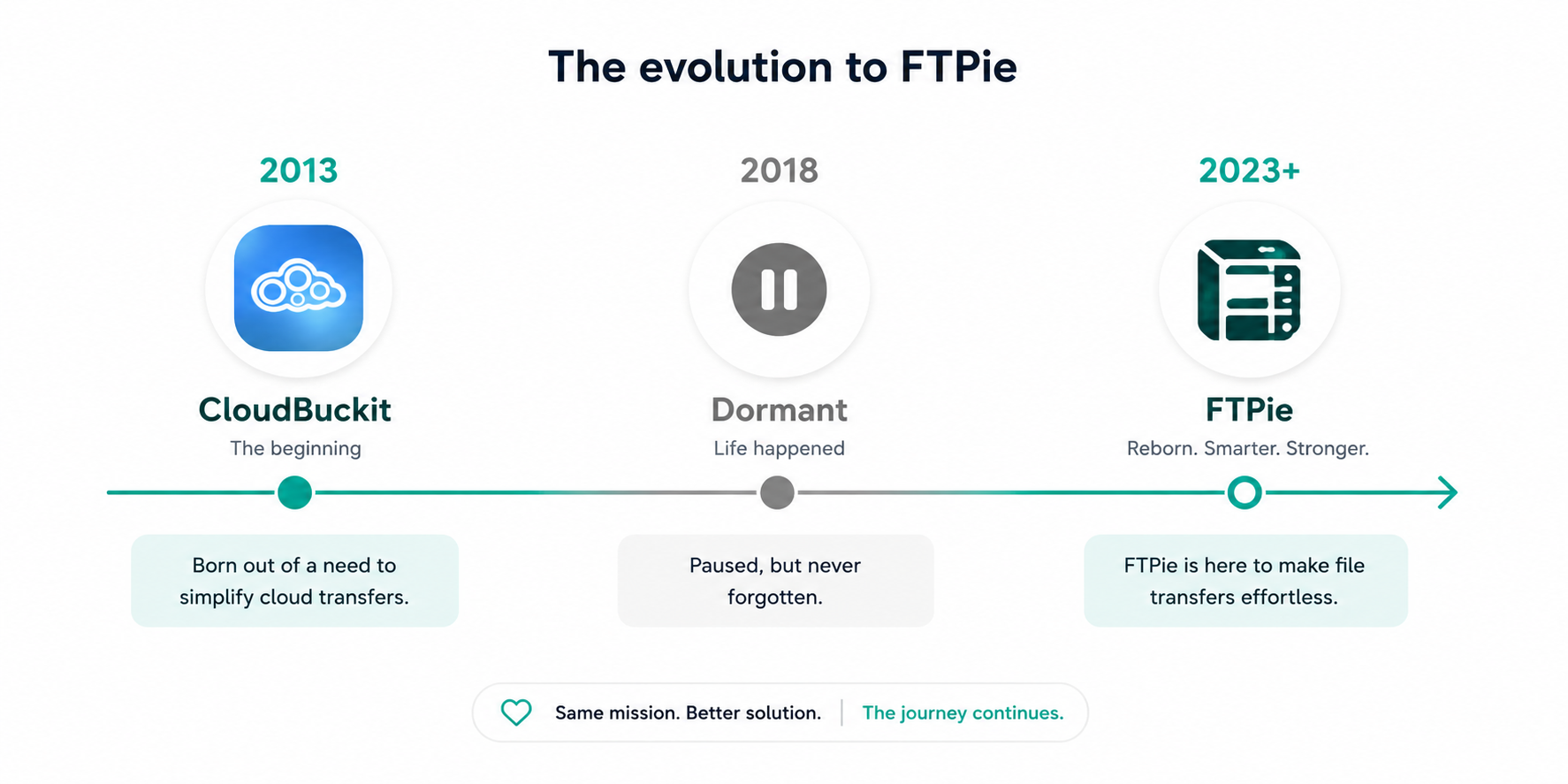
In 2013, a small team - two developers and a non-technical co-founder - set out to solve a problem that still exists today: managing files scattered across multiple cloud services and FTP servers. The result was CloudBuckit, a Windows desktop application that connected cloud storage accounts and FTP servers in a single interface.
CloudBuckit supported dozens of cloud providers, offered batch file operations, and let users manage everything from one window. It was available on Windows and Android, received positive reviews, and was featured on multiple software directories. For a small team, it was a solid start.
But by 2018, the focus had shifted. The domain was lost, and the project went dormant. CloudBuckit disappeared from the web - though you can still find traces of it on software archive sites today.
A second chance with more experience
The idea never went away. The core problem - that managing files across FTP and cloud storage was unnecessarily fragmented - only grew worse as more cloud services appeared and FTP clients stayed frozen in time.
In 2023, with years of additional experience from freelance development across diverse clients and projects, the decision was made to bring the concept back. Not as a revival of CloudBuckit, but as something fundamentally better.
FTPie was born - built from the ground up with a clear philosophy: deliver the best file transfer experience on the market.
What changed between CloudBuckit and FTPie
CloudBuckit was functional. FTPie is intentional. The difference comes down to a few key shifts:
- UX-first design - CloudBuckit worked, but the interface was utilitarian. FTPie puts smooth, modern UX at the center of every decision. Dark mode, tabbed navigation, fluid animations, and a clean layout are not afterthoughts - they are the foundation
- Integrated tools - instead of just connecting and transferring, FTPie includes built-in viewers, a code editor, compression, screenshot and screen recording tools, and one-click sharing. It is a complete file management platform
- Solo development with mature perspective - having worked with many different clients and codebases through freelance development, every architectural decision in FTPie benefits from that breadth of experience. A master’s degree in computer science provides the theoretical foundation; real-world projects provide the practical judgment
- Native performance - FTPie is a native Windows application, not an Electron wrapper. It uses roughly 100 MB of RAM even during active transfers, starts instantly, and runs stable for days
Building more than one product
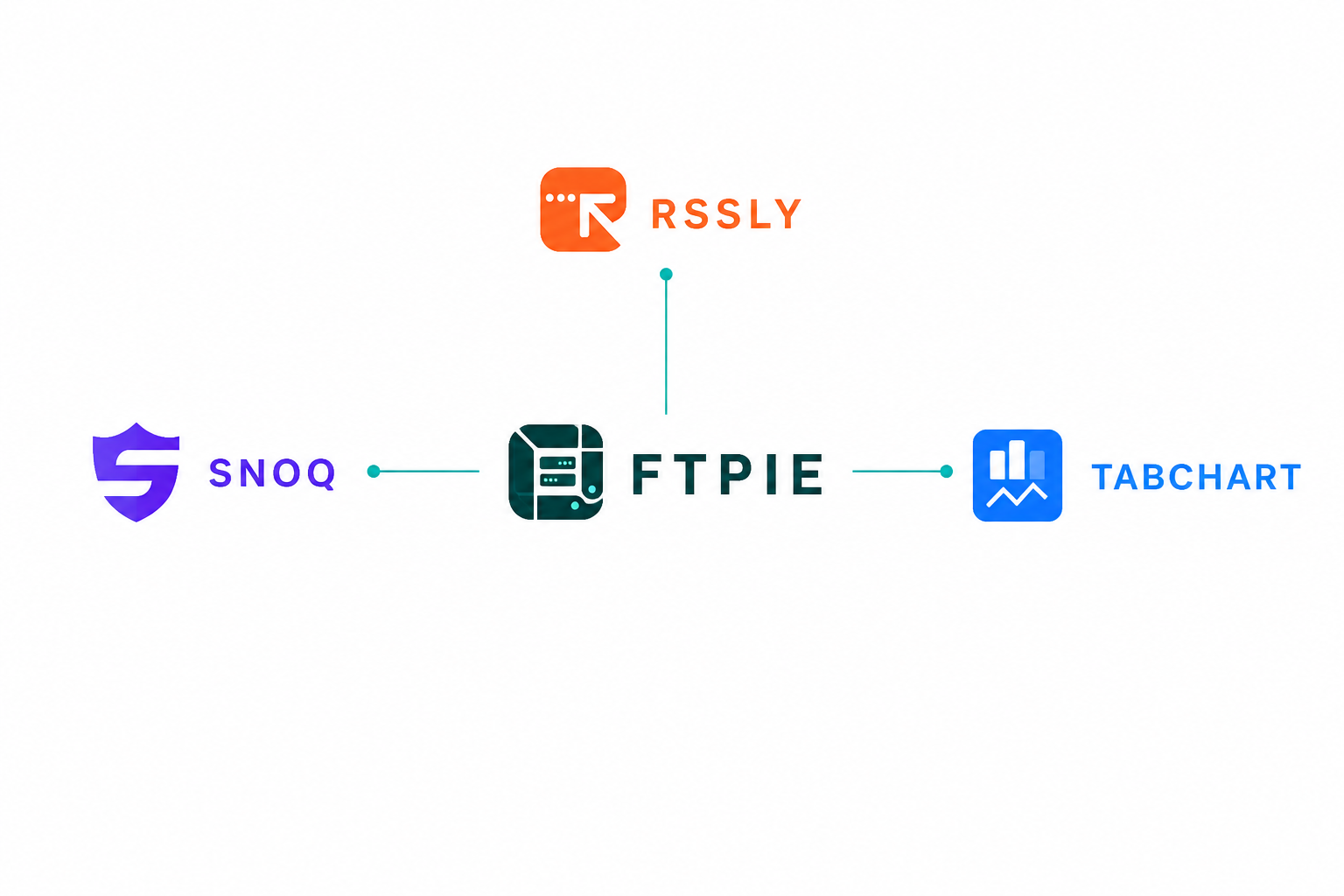
One of the most unexpected outcomes of building FTPie is that it spawned three entirely separate applications:
- TabChart - a native Windows app for cryptocurrency traders, offering real-time charting with WebSocket data from major exchanges, multi-chart layouts, and a built-in market screener
- Rssly - a fully offline RSS reader for Windows with 100+ curated feeds, browser-like tabs, and zero telemetry. Your reading data never leaves your device
- Snoq - a private, encrypted note-taking app with AES-256 encryption, a rich text editor, and completely offline operation
All three are free. They exist because FTPie’s technical foundation - the native UI framework, tab system, theming engine, and performance optimizations - proved versatile enough to power completely different applications. What started as internal infrastructure became a platform.
These apps complement the FTPie ecosystem. TabChart serves traders, Rssly serves readers, and Snoq serves anyone who values private note-taking. Together, they demonstrate what becomes possible when you build solid foundations.
What users actually say
From day one, FTPie was a serious endeavor - not a side project hoping to find an audience. The response confirmed the bet:
- Reviewers who expected another FileZilla found something far more comprehensive
- Users described the interface as smooth enough to replace their default file explorer
- The built-in media playback, image preview, and document editing surprised people who came for FTP and discovered a full file management platform
- The one-time purchase model resonated with users tired of subscriptions for basic utilities
The niche is real. File transfer tools have been stagnant for years, and users notice when something finally moves the needle.
The philosophy behind every feature
FTPie is not built by committee or by chasing trends. Every feature follows a simple test: does this reduce friction in a real workflow?
- Quick Share exists because sharing a file from FTP should not take four steps
- The shell extension exists because opening an app just to upload a file is unnecessary
- Auto Backups exist because recurring file tasks should not require manual effort
- Remote editing exists because the download-edit-upload cycle wastes time
- The dual-pane explorer exists because switching between five apps to manage files is not a workflow - it is a workaround
Each feature is designed to solve a specific problem, not to pad a feature list. If something does not make the daily experience better, it does not ship.
What is next
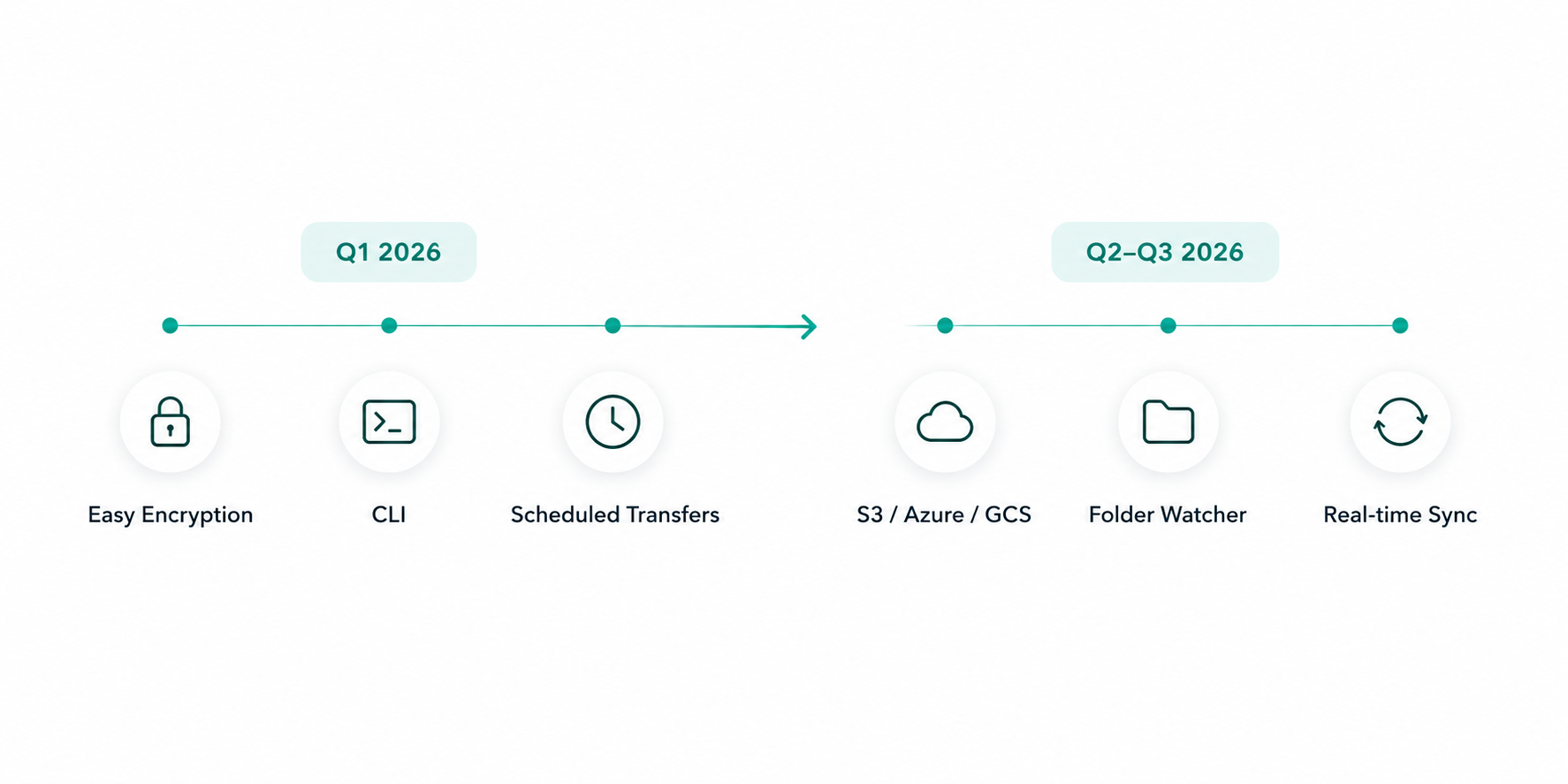
FTPie is actively developed with a clear roadmap. Upcoming work includes a CLI for power users, scheduled transfers for automation, enterprise cloud storage support (Amazon S3, Google Cloud Storage, Azure Blob Storage), and continued refinement of the core experience.
The goal has not changed since 2013: give people the best way to manage their files, no matter where those files live. The tools and the team have evolved, but the mission is the same.
Try it yourself
FTPie is free to download. Connect your storages, explore the interface, and see what modern file management feels like. For a quick overview of what FTPie offers, check out the top 7 benefits or the getting started guide.