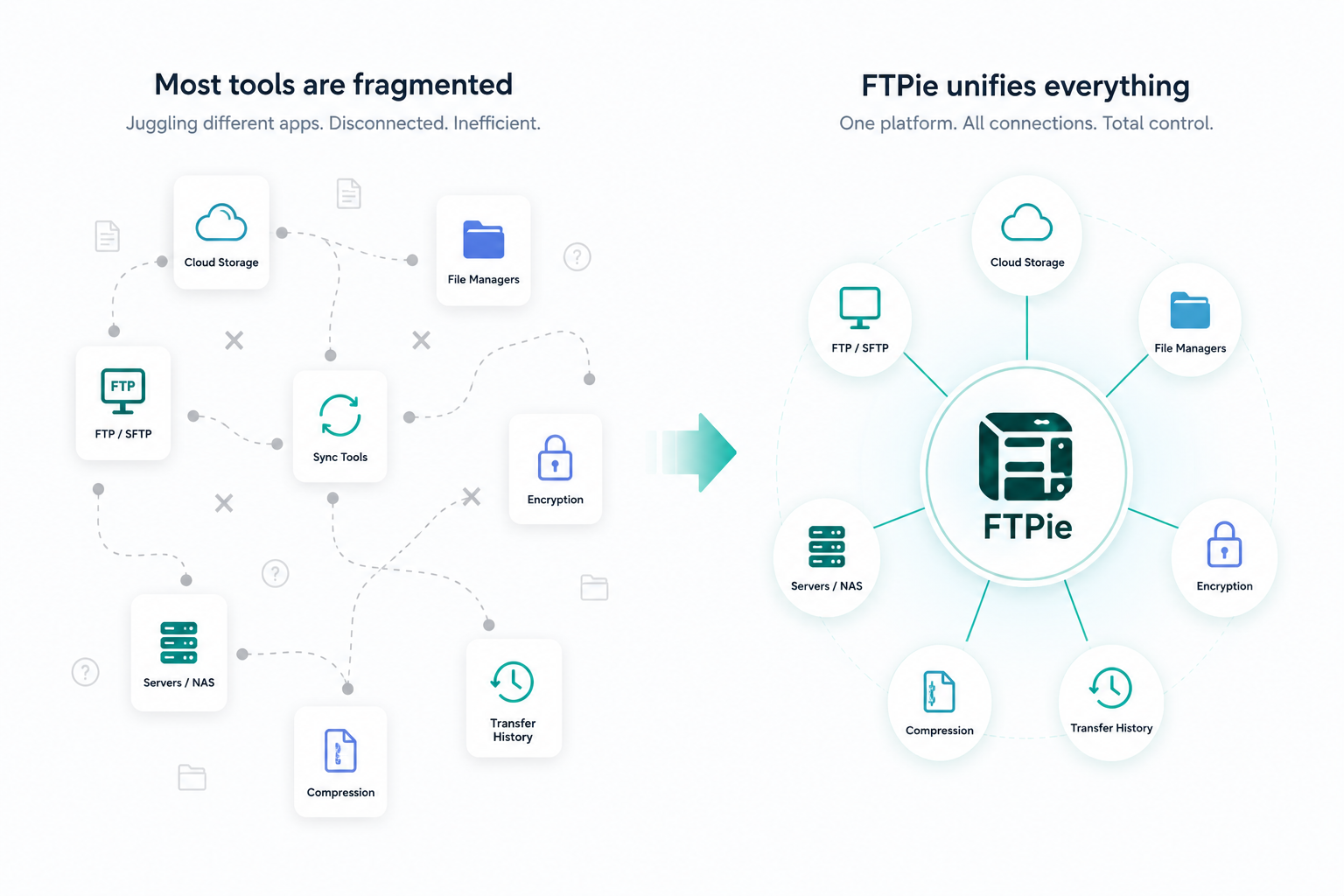
Most people use at least two or three different storage services - an FTP server for web hosting, Google Drive for documents, maybe Dropbox or OneDrive for sharing. Managing them separately means switching between browser tabs, desktop apps, and FTP clients just to move or find files.
A hybrid file manager connects all of these in one place. Here are the best tools available in 2026 for managing FTP and cloud storage together, and how they compare.
What to look for in a hybrid file manager
Not every file manager supports both FTP and cloud storage. The ones worth considering should offer:
- Protocol support - FTP, SFTP, FTPS at a minimum, plus major cloud providers
- Cross-storage transfers - moving files between services without downloading locally
- Unified interface - one window for all storages, not separate tools stitched together
- File operations - preview, edit, compress, and share without leaving the app
- Automation - scheduled transfers or backups for recurring tasks
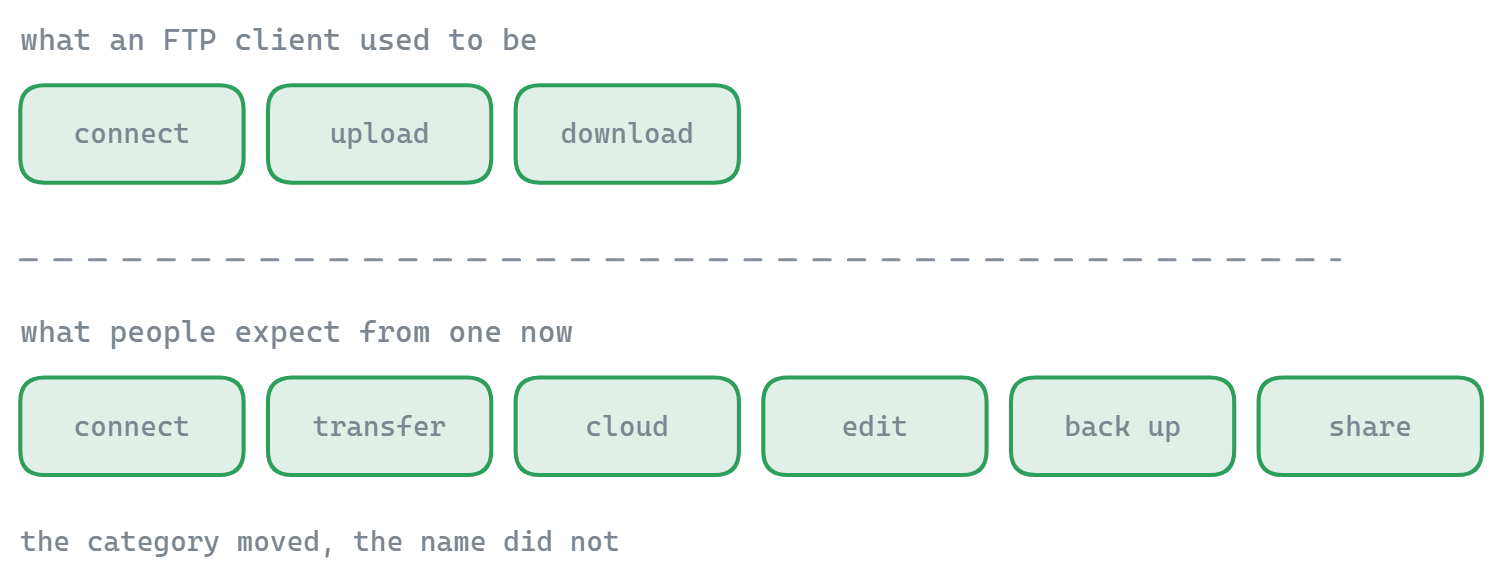
1. FTPie
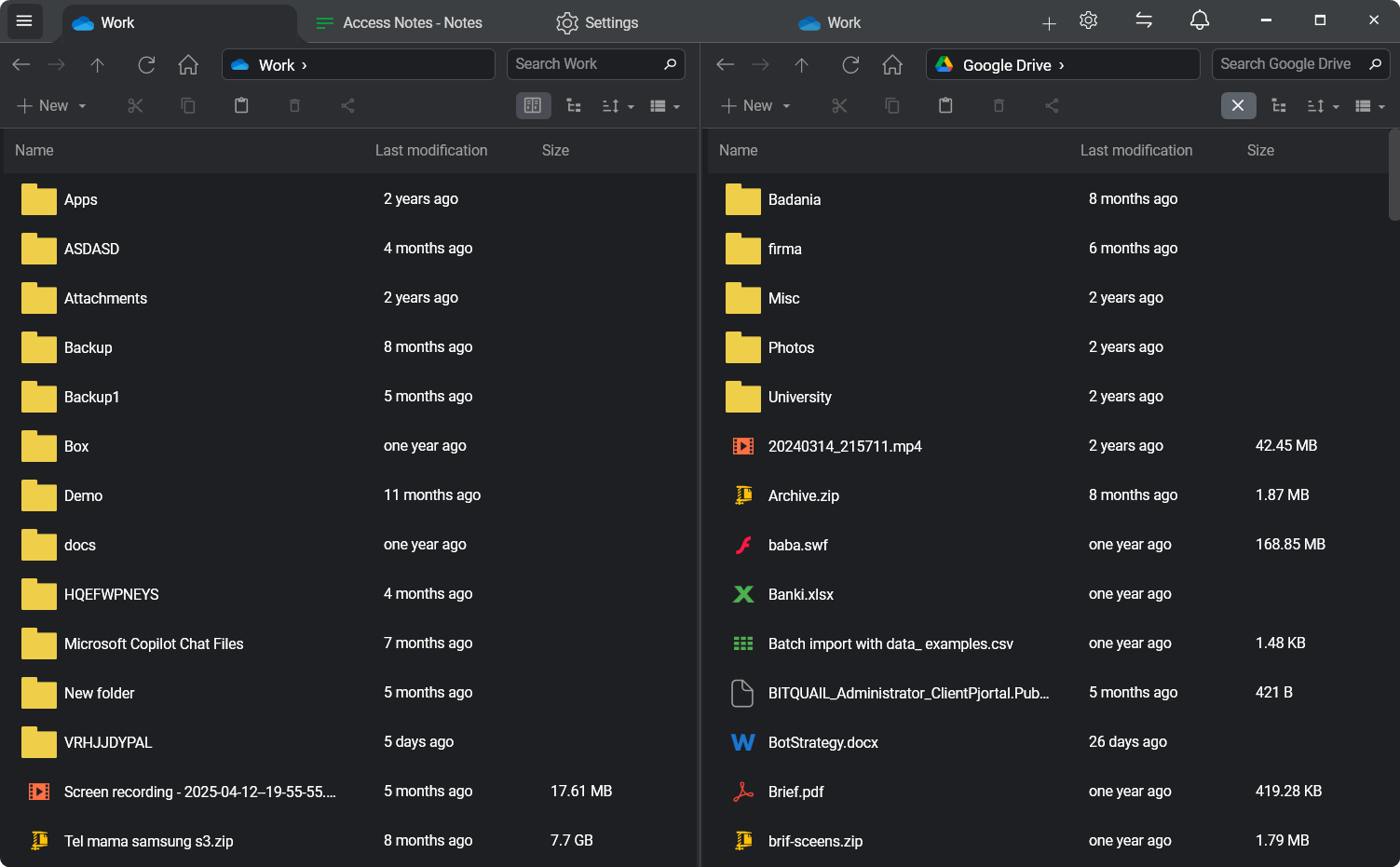
FTPie is a Windows desktop application built specifically for hybrid file management. It connects FTP, SFTP, FTPS, WebDAV, and six major cloud providers (Google Drive, Dropbox, OneDrive, pCloud, Box, Mega) in a single dual-pane explorer.
Key strengths:
- Drag-and-drop transfers between any connected storages with parallel uploads, pause/resume, and automatic retries
- Built-in file viewers for images, PDFs, code, video, and music - no separate apps needed
- Document editing via Google Docs, Microsoft 365, or any local application with automatic sync
- Scheduled backups with compression and encryption
- Quick Share - generate shareable links for files on any storage, even those without native sharing
- Windows shell extension for uploading, sharing, and downloading from the right-click menu
- Integrated compression with password protection and AES encryption
- Built-in screenshot and screen recording tools
Considerations: Windows only. Free plan covers up to 3 FTP/FTPS/SFTP connections; cloud is Pro.
FTPie stands out because it is not just a file transfer tool with cloud support bolted on - it is a full file management platform designed around the idea that FTP and cloud belong in the same workspace.
2. Rclone
Rclone is a free, open-source command-line tool that supports over 70 storage backends, including FTP, SFTP, and all major cloud providers. It is extremely powerful for scripting, automation, and server-side tasks.
Key strengths:
- Massive protocol and provider support
- Sync, copy, mount, and serve commands
- Works on Windows, macOS, Linux, and headless servers
- Free and open source
Considerations: No graphical interface - everything is done through the terminal. Configuration requires editing text files or running interactive setup commands. Best suited for developers and sysadmins who are comfortable with CLI workflows.
3. MultCloud
MultCloud is a web-based service that connects cloud storage accounts and allows transfers between them through a browser. It supports Google Drive, Dropbox, OneDrive, Box, pCloud, and others.
Key strengths:
- No software installation required
- Cloud-to-cloud transfers run on their servers
- Scheduled transfers and sync
- Works from any device with a browser
Considerations: Limited FTP/SFTP support. Free tier has data transfer limits. Your credentials are stored on their servers, which may be a concern for sensitive data. No file preview, editing, or compression features.
4. Air Explorer
Air Explorer is a Windows and Android app that connects multiple cloud accounts in a dual-pane view. It supports Google Drive, OneDrive, Dropbox, Mega, Box, and several others, along with FTP and WebDAV.
Key strengths:
- Dual-pane interface with drag-and-drop
- Client-side encryption for cloud uploads
- Scheduled synchronization
- Android app for mobile access
Considerations: Free version limited to two cloud accounts. No built-in file preview or editing. FTP support is basic compared to dedicated FTP clients. No shell extension or system-level integration.
5. Mountain Duck
Mountain Duck mounts remote storage as local drives on Windows and macOS. It supports FTP, SFTP, WebDAV, S3, Google Drive, Dropbox, OneDrive, and more. Files appear in Explorer or Finder as if they were local.
Key strengths:
- Native OS integration - remote files appear as local drives
- Works with any desktop application
- Smart synchronization with offline access
- Built on the Cyberduck open-source project
Considerations: Paid software (one-time purchase). No built-in file viewer, editor, or compression. No shareable link generation. Performance depends on connection speed since files are accessed on demand.
Comparison overview
| Feature | FTPie | Rclone | MultCloud | Air Explorer | Mountain Duck |
|---|---|---|---|---|---|
| FTP / SFTP / FTPS | ✓ | ✓ | Limited | Basic | ✓ |
| Cloud storage | 6+ providers | 70+ | 30+ | 20+ | 15+ |
| Graphical interface | ✓ | ✗ | ✓ (web) | ✓ | OS native |
| Cross-storage drag-and-drop | ✓ | ✗ | ✗ | ✓ | ✗ |
| File preview / viewers | ✓ | ✗ | ✗ | ✗ | ✗ |
| Document editing | ✓ | ✗ | ✗ | ✗ | Via local apps |
| Scheduled backups | ✓ | Via cron | ✓ | ✓ | ✗ |
| Compression / encryption | ✓ | ✓ | ✗ | Encryption only | ✗ |
| Shareable links | ✓ | ✗ | ✗ | ✗ | ✗ |
| Windows integration | Shell extension | ✗ | ✗ | ✗ | Drive mount |
| Free tier | ✓ | ✓ | Limited | Limited | ✗ |
Which tool is right for you?
The best choice depends on how you work with files:
- If you want one app for everything - FTPie offers the most complete desktop experience, combining transfers, previews, editing, sharing, backups, and compression in a single interface
- If you need CLI automation - Rclone is unmatched for scripting and server-side tasks, but requires technical comfort with the command line
- If you want browser-based access - MultCloud works from any device without installing software, though with fewer features and data limits
- If you want remote drives in Explorer - Mountain Duck makes remote storage feel local, which works well if your apps need direct file access
- If you want a simpler dual-pane manager - Air Explorer offers a clean cloud-focused interface with basic FTP support
Final thoughts
Managing FTP and cloud storage separately is an outdated workflow. The tools above all bridge the gap in different ways, but if you want the deepest integration - with built-in viewers, remote editing, one-click sharing, automated backups, and a modern interface - FTPie is designed exactly for this.
New to FTPie? Start with the getting started guide or explore the top 7 benefits.