Manage Multiple Cloud Accounts in One App
Sign in to all your cloud accounts at once - multiple Google Drives, Dropbox, OneDrive and more - in a single Windows file manager, and move files between them by dragging.
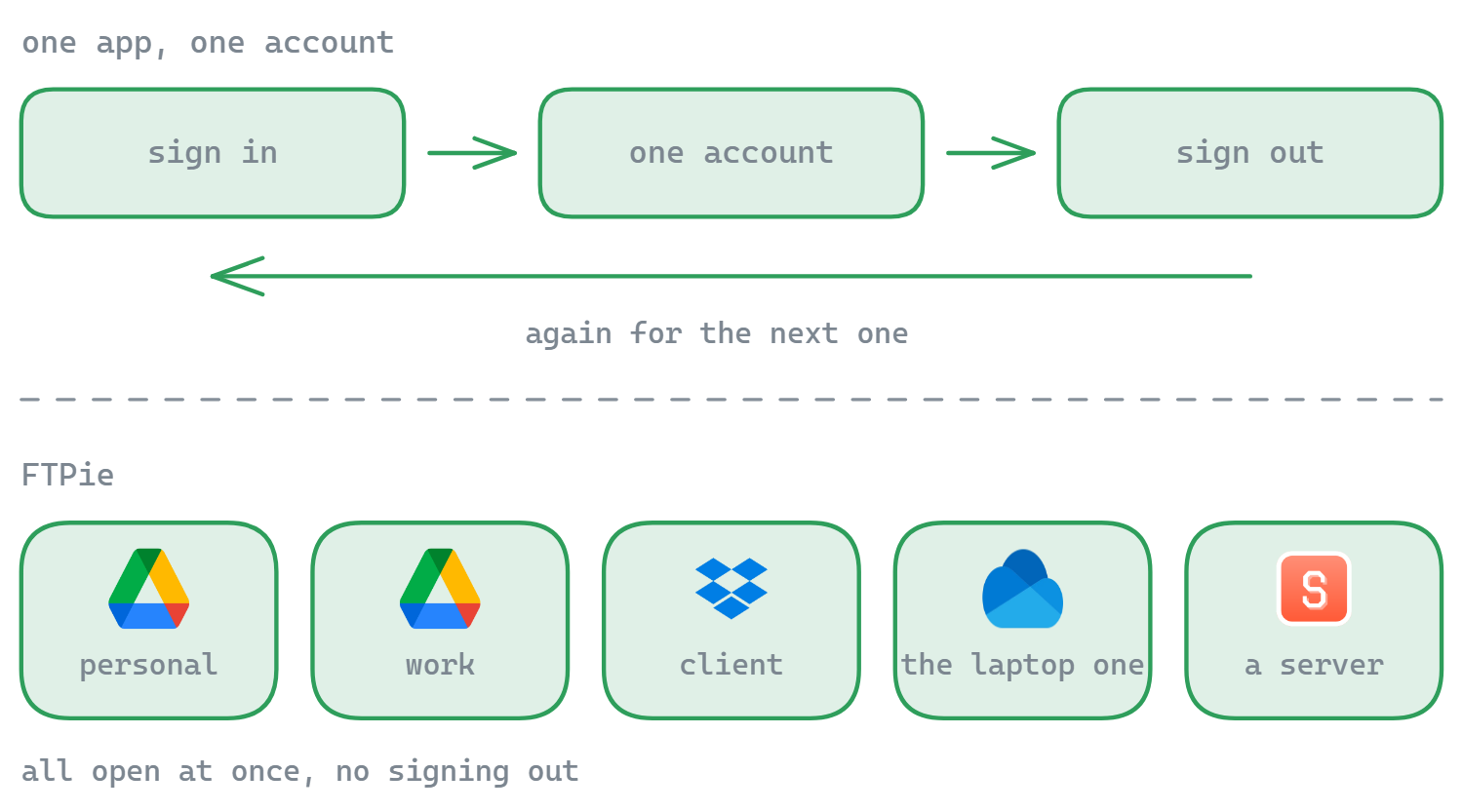
Almost nobody has just one cloud account anymore. There is a personal Google Drive and a work one, a Dropbox a client insists on, a OneDrive that came with the laptop, maybe a pCloud or MEGA for the big stuff. The official apps are built for one account at a time, so you spend your day signing out, signing in, and copying files down to your desktop just to move them somewhere else.
FTPie is built for exactly this mess. It is a Windows file manager where every cloud account is open at once, side by side, and moving a file from one to another is a drag across two panes - not a download, a re-login and a re-upload.
All your accounts, all at once
Add as many accounts as you want, across as many services as you use. Each one becomes a tile on the dashboard and a pane you can browse:
- Multiple accounts per service - two Google Drives, three Dropboxes, it does not matter
- Mixed services together - cloud, FTP/SFTP, WebDAV, NAS and self-hosted in one window
- No sign-out dance - switch by clicking a pane, not by re-authenticating
- Credentials stay on your device - FTPie is a local app, not a web middleman
Move files between accounts by dragging
The dual-pane layout is the whole point: put one account on the left, another on the right, and drag. FTPie transfers directly between them - cloud-to-cloud, cloud-to-FTP, account-to-account - without parking a copy on your local disk first. Migrate a folder from a personal Drive to a work one, consolidate scattered Dropboxes, or pull files out of a cloud you are leaving.
Connect the accounts you already have
FTPie connects natively to the major consumer clouds, plus protocols and self-hosted servers:
Plus SFTP, WebDAV, Nextcloud, ownCloud and your NAS. See all integrations.
Common questions
As many as you like, across any mix of services - all open at the same time.
FTPie transfers directly between storages where possible, so files do not need to be parked on your local disk first. See transferring between cloud accounts.
No. FTPie is a local desktop app; account tokens stay on your machine. See the security page.
Cloud connections are part of FTPie Pro. The free plan covers up to 3 FTP/FTPS/SFTP connections; Pro adds the clouds, WebDAV, NAS and self-hosted, with a 30-day free trial. See the plan comparison.
Related
- Transfer files between cloud accounts
- All integrations and supported services
- Storage Explorer - the dual-pane workspace
Start Your 30-Day Free Trial
Download FTPie and start your free 30-day trial. Enjoy seamless FTP + cloud integration and keep using the free version afterward.
Download Free Trial