Whether you're leaving Microsoft 365 for Google One or the other way around, the fundamental problem is the same: OneDrive and Google Drive have no bridge between them. Google Takeout can export out of Drive and Microsoft has no consumer import for it; OneDrive has neither. So the move always goes through some machine you control - the only question is how gracefully.
The manual route (and where it cracks)
- Export: from OneDrive's web UI, select-all → Download (zips, split for large selections). From Google Drive, either browser download or Google Takeout for a full-account export - Takeout is genuinely useful for a complete Drive archive, delivered as multi-gigabyte zips.
- Extract locally - budget disk space for roughly twice your data.
- Re-upload through the destination's website or by dropping files into its sync folder.
The cracks at scale: browser uploads that die at 90%, Takeout splitting Google Docs into exported Office copies (fine, but know it's a conversion), timestamps flattened to "today", and a day of babysitting. For 5 GB, do it manually and move on. For 200 GB, read on.
The direct route: both drives in one window
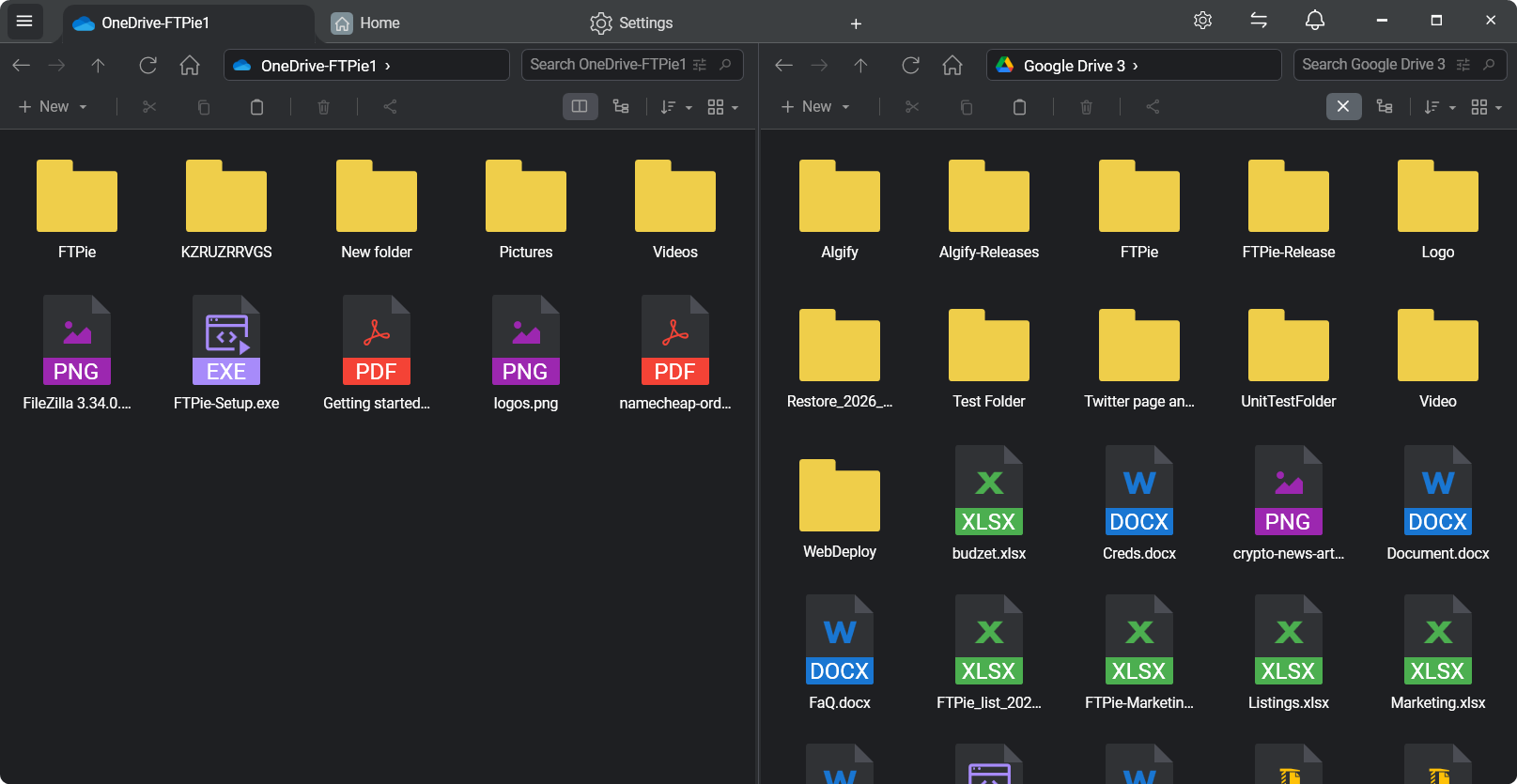
FTPie connects to OneDrive and Google Drive through their APIs (OAuth sign-in, no passwords stored, no sync clients needed) and puts them in a dual-pane view:
- Connect both accounts - including multiple accounts per service, if your migration spans a personal and a work account.
- Select folders on one side, drag to the other. The queue transfers recursively, resumes anything interrupted, and logs failures for retry instead of silently skipping.
- For a staged migration, add a schedule: "copy everything new from OneDrive to Drive every night at 2:00" keeps the destination current while you switch tools at your own pace - and it doubles as a cross-cloud backup once you've moved.
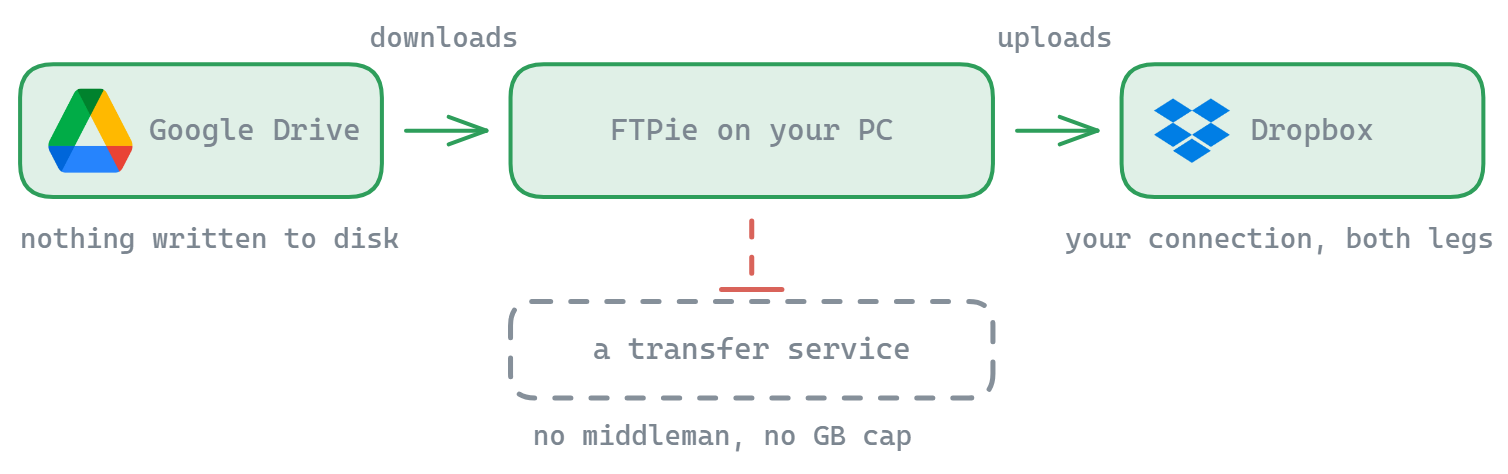
Unlike web-based migration services, nothing routes through a third party: the data flows provider → your PC → provider, under your account credentials, with no external service reading your files or metering your gigabytes. (That's the core difference from MultCloud-style tools - compared honestly here.)
Migrating Google Drive to OneDrive specifically
The reverse direction - moving a Google Drive into the OneDrive storage bundled with Microsoft 365 - works identically: connect both, drag from Drive to OneDrive. One Google-specific wrinkle: native Google Docs/Sheets/Slides aren't regular files. When they leave Google's ecosystem they export to Office formats - FTPie handles that conversion on download/transfer, but review anything with heavy formatting or Apps Script attached, and keep the originals until you've checked.
"Sync OneDrive and Google Drive" - what's actually achievable
Recurring scheduled copies give you a practical one-way sync: new files in a OneDrive folder appear in Drive nightly (or vice versa). That covers migrations-in-progress and cross-provider backups. True two-way real-time sync with conflict handling is not what FTPie does today - if a page or tool promises you that casually, ask hard questions about what happens when the same file changes on both sides.
Before you flip the switch
- Sharing and permissions don't transfer - re-share from the new home; links to the old locations keep working until you delete the originals.
- Verify counts, then delete. Compare item counts and spot-check big folders before emptying the source account.
- Quota check: OneDrive's 1 TB (365) vs your Google plan - and remember Google's quota is shared with Gmail/Photos.
- Confidential files can be encrypted client-side before they land in the destination.
Other pairs: Dropbox ↔ Google Drive · Dropbox → OneDrive · the general recipe in transfer files between cloud accounts.
Start Your 30-Day Free Trial
Download FTPie and start your free 30-day trial. Enjoy seamless FTP + cloud integration and keep using the free version afterward.
Download Free Trial