The most common reason for this migration is sitting in your subscriptions list: Microsoft 365 includes 1 TB of OneDrive, so paying Dropbox separately for storage you already own stops making sense. The catch is that Dropbox has no "move to OneDrive" option - you're expected to do the ferrying yourself.
The manual way
- Download from Dropbox's website (select-all → Download; big selections arrive as split zips).
- Extract everything locally - have free disk space for double your data.
- Upload into OneDrive via the website, or drop into the OneDrive folder and let the sync client grind through it.
Perfectly fine for a modest account. The usual failure modes at size: browser sessions dying mid-upload, OneDrive's sync client choking on tens of thousands of small files at once, path-length errors from deeply nested folders, and the general afternoon-long babysitting session.
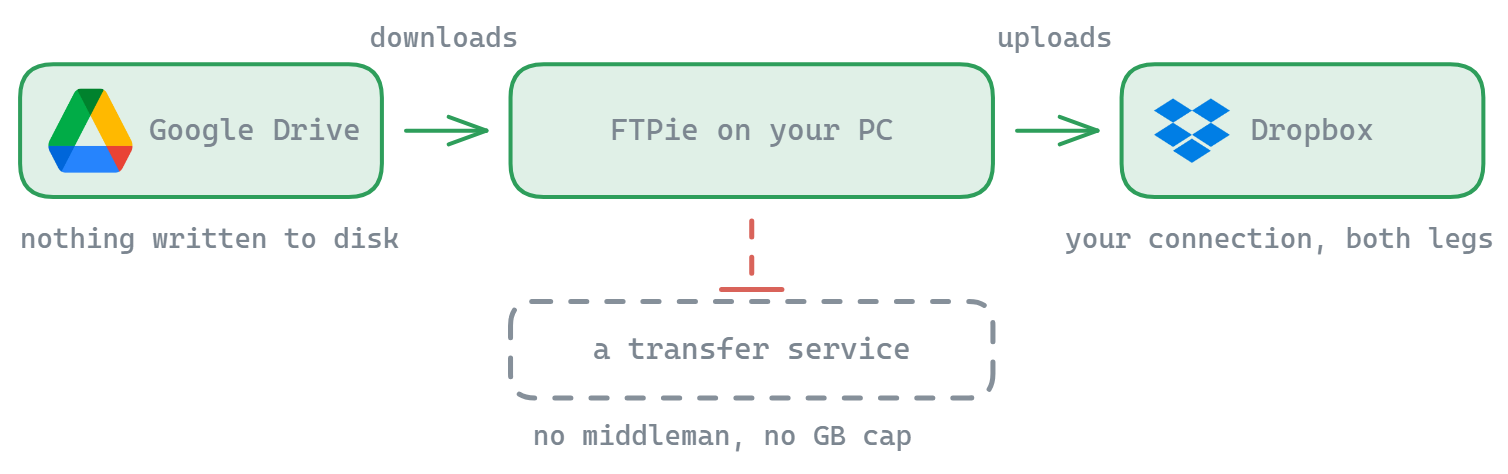
The direct way: drag from Dropbox to OneDrive in one window
FTPie connects to Dropbox and OneDrive directly through their APIs and shows them as two panes of one file manager:
- Connect both accounts with OAuth sign-in (FTPie stores tokens on your PC, never your passwords).
- Drag folders from the Dropbox pane to the OneDrive pane. The transfer queue works through everything recursively, resumes interruptions, retries failures, and shows live progress.
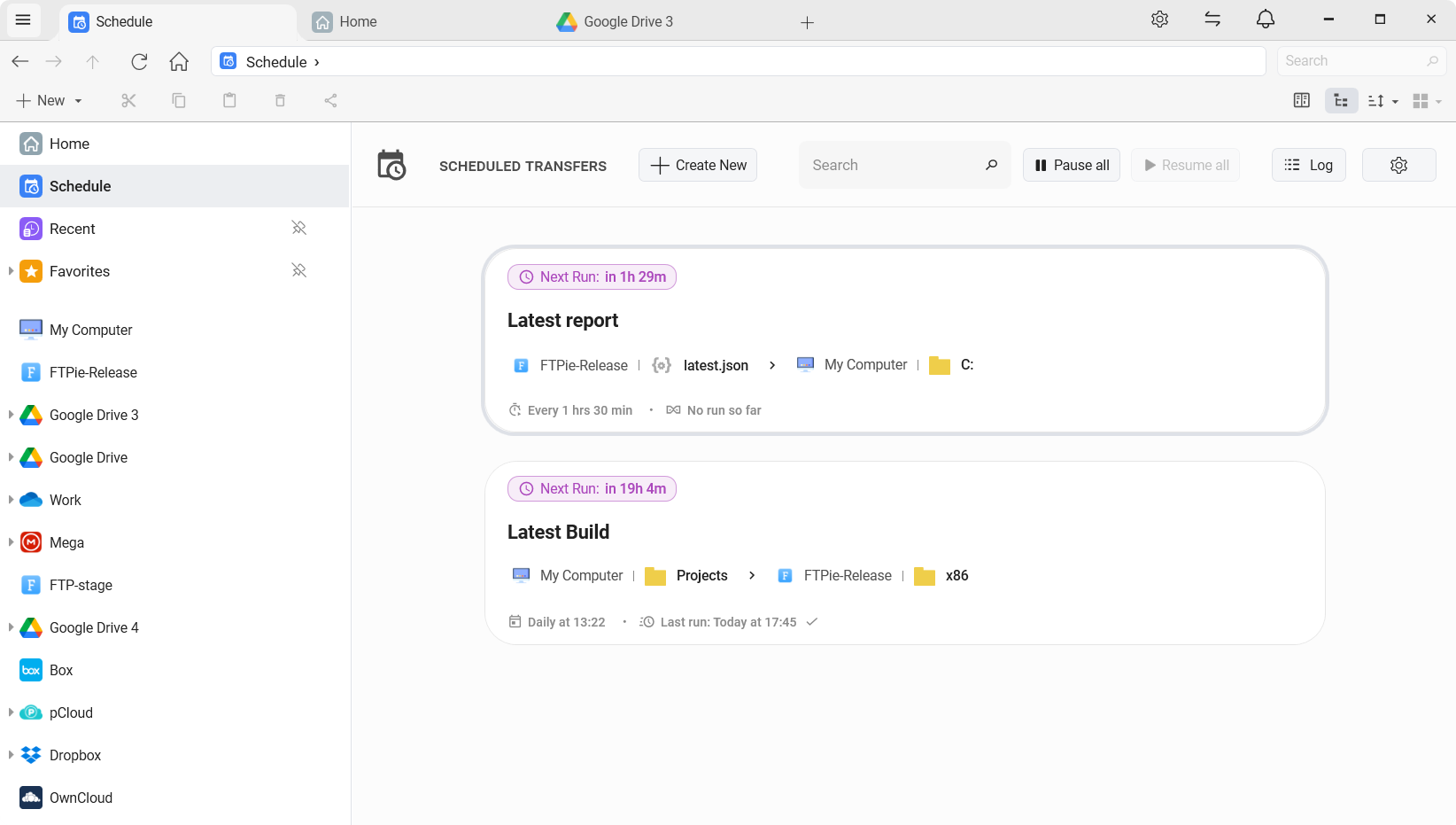
- Migrating gradually? Put the copy on a schedule - each run picks up whatever's new in Dropbox and lands it in OneDrive, until the day you cancel Dropbox with nothing left behind.
Your files travel provider → your PC → provider under your own credentials - not through a migration website's servers, which is the trade "free cloud transfer" services actually charge you in privacy and quota. The FTPie vs MultCloud comparison covers that model difference in detail.
Small print worth reading before you cancel Dropbox
- Shared links die with the source. Anything you've shared from Dropbox needs re-sharing from OneDrive.
- Check the awkward files: OneDrive is stricter than Dropbox about some characters in filenames (
" * : < > ? / \ |) and very long paths - the transfer log will flag what needs renaming. - Verify before deleting. Item counts and a few spot checks first; Dropbox's 30-day recovery won't save you after account closure.
- Anything sensitive can be encrypted client-side on the way - or after it lands.
The other directions live here: Dropbox ↔ Google Drive · OneDrive ↔ Google Drive · and the umbrella guide to moving files between any cloud accounts.
Start Your 30-Day Free Trial
Download FTPie and start your free 30-day trial. Enjoy seamless FTP + cloud integration and keep using the free version afterward.
Download Free Trial