Full disclosure up front: we make FTPie, one of the clients on this list. So instead of pretending to be neutral, we'll do something more useful - tell you honestly what each tool is best at, including the places where a competitor beats ours. SFTP clients are old, mature software; most of these have earned their users, and the right pick genuinely depends on your workflow.
The quick table
| Client | Price | Beyond SFTP | Best for |
|---|---|---|---|
| WinSCP | Free (open source) | SCP, FTP, FTPS, WebDAV, S3; scripting & .NET | Power users & automation on Windows |
| FileZilla | Free (open source) | FTP, FTPS; Pro adds clouds | The familiar cross-platform default |
| FTPie | Free plan (3 connections); Pro paid | FTP, FTPS, WebDAV, NAS/SMB + 10+ clouds; editors, backups, encryption | SFTP alongside clouds & NAS in one window |
| Cyberduck | Free (donationware) | FTP, WebDAV, S3, Azure, B2; Cryptomator vaults | Mac-and-Windows users, object storage |
| Bitvise SSH Client | Free | SSH terminal, tunneling | Sysadmins living in SSH |
| Termius | Free tier; SFTP needs paid plan | SSH terminal, mobile apps, team sync | Cross-device terminal users |
| Solar-PuTTY | Free | Tabbed SSH/telnet sessions | Quick tabbed sessions, PuTTY fans |
WinSCP - the Windows power tool
If this list were ranked purely by depth on Windows, WinSCP would be hard to beat. Open source, two decades of polish, and protocol coverage that includes SCP (which most others, FTPie included, don't speak). Its killer features are automation - a real scripting language plus a .NET assembly for CI pipelines - and directory synchronization. The UI shows its age and cloud support is thin, but for scripted server work it's the reference. Our detailed take: FTPie vs WinSCP.
FileZilla - the one everyone knows
Cross-platform, free, and probably the first FTP-family client you ever installed. SFTP support is solid, the interface is familiar to millions, and documentation is everywhere. The criticisms are real too: the interface hasn't meaningfully changed in a decade, the installer has historically offered bundled third-party software (read the screens), and cloud storage needs the paid Pro version. Full comparison: FTPie vs FileZilla.
FTPie - ours, so judge accordingly
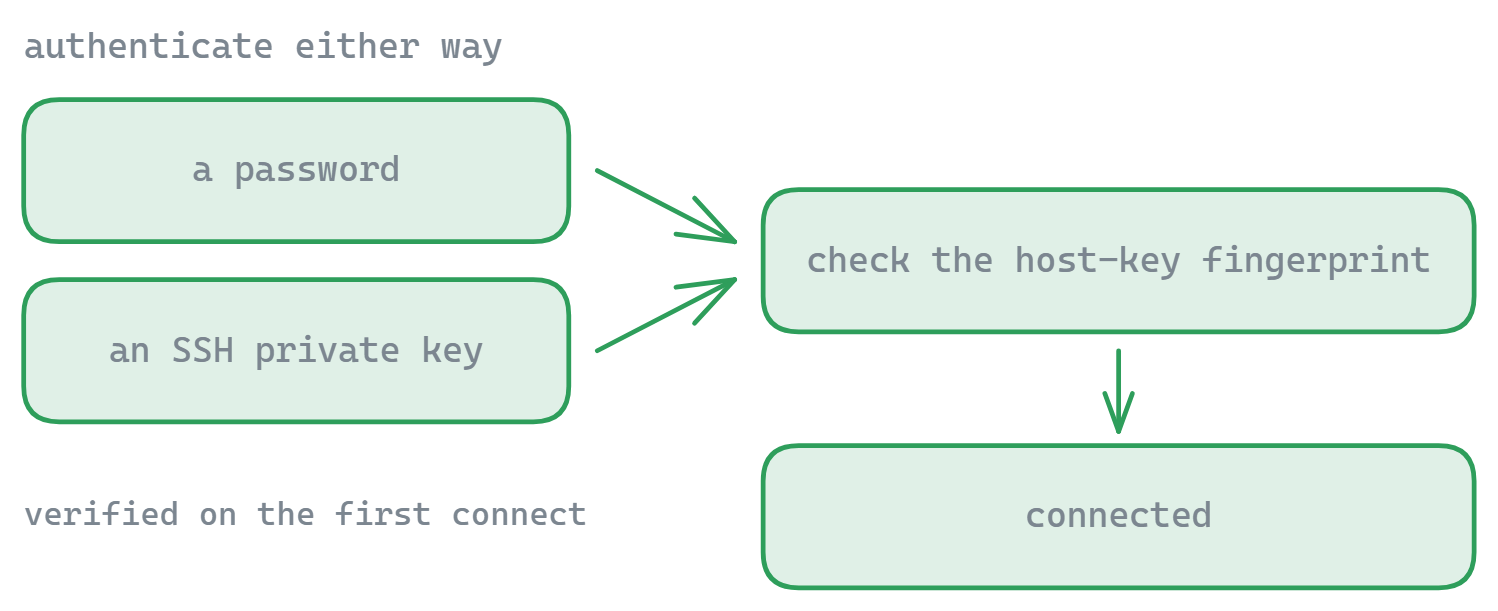
FTPie's pitch is breadth-plus-modernity: a dual-pane SFTP client with SSH key auth and host-key verification, that also connects FTP/FTPS, WebDAV, NAS over SMB, and 10+ cloud services in the same window - with built-in editors, scheduled backups, client-side AES-256 encryption, and a CLI in Pro. The free plan (up to 3 FTP/FTPS/SFTP connections, no time limit) covers everyday server work.
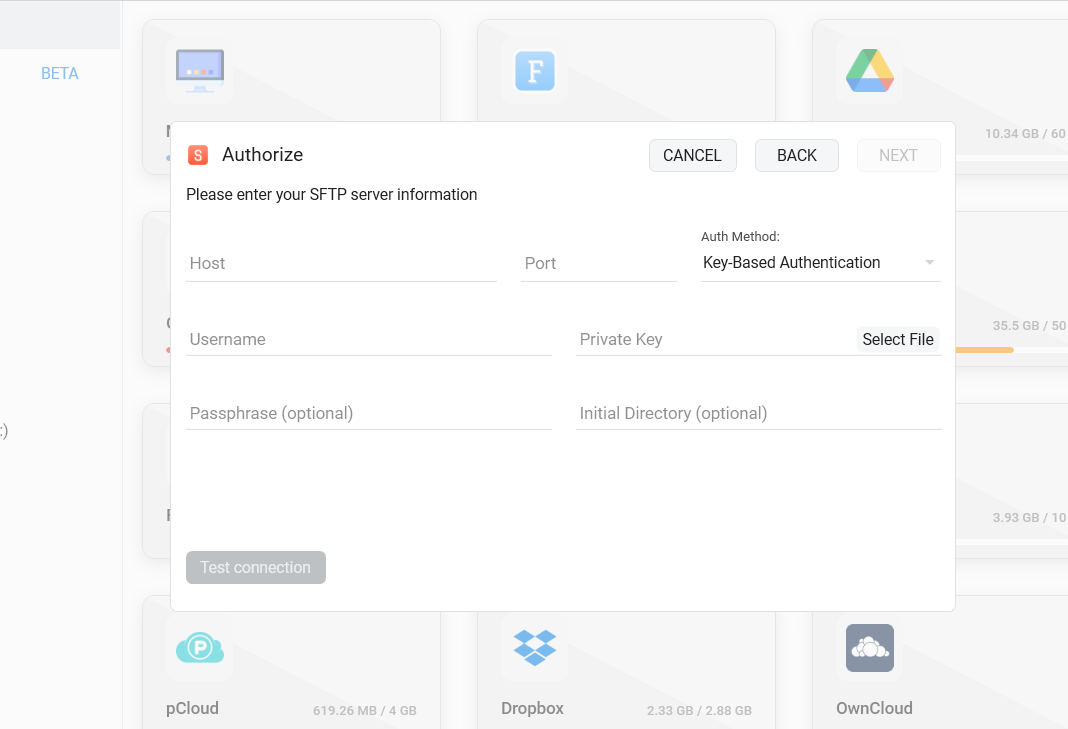
Where the others beat us, honestly: WinSCP for SCP support and deeper scripting maturity, Cyberduck for macOS and object storage, Bitvise for integrated terminal work. If your world is "one SFTP server, occasionally," any free client here serves you fine - FTPie earns its keep when your files also live on clouds and NAS.
Download FTPie - Windows 10 & 11, free plan forever, no account required, 30-day Pro trial included.
Cyberduck - the cross-platform connoisseur
Free (donation-supported), at home on both Windows and macOS, with an unusually broad storage list: SFTP, FTP, WebDAV, S3, Azure, Backblaze B2, plus the ability to open Cryptomator-encrypted vaults. Its single-pane, browser-style UI is a matter of taste - transfers and bookmarks feel different from the dual-pane tradition. Deep dive: FTPie vs Cyberduck.
Bitvise SSH Client - the sysadmin's companion
Free, Windows-native, and built around SSH as a whole rather than file transfer alone: a first-class terminal, port tunneling, and a graphical SFTP window that opens alongside your shell session. The UI is unapologetically utilitarian. If your day is spent in SSH sessions and file transfer is a side activity, Bitvise fits like a glove.
Termius - the cross-device modernist
The best-looking terminal in the group, with real mobile apps and settings sync across devices. Know the pricing model going in: the free tier covers SSH terminal use, while SFTP lives in the paid subscription. For engineers juggling servers from laptop, tablet and phone, that subscription can be worth it; as a pure Windows SFTP client it's an expensive way to move files.
Solar-PuTTY - tabs for the PuTTY faithful
A free SolarWinds tool that wraps the PuTTY engine in a tabbed, credential-remembering interface with SCP/SFTP file transfer bolted on. It's a convenience layer rather than a full client - but if PuTTY is muscle memory and you just want tabs and saved sessions, it delivers exactly that.
How to actually choose
- Scripted deployments and sync jobs: WinSCP.
- SFTP plus clouds/NAS in one tool, modern UI: FTPie.
- You also live on a Mac, or in S3 buckets: Cyberduck.
- Terminal-first workflow: Bitvise (free) or Termius (cross-device, paid SFTP).
- Maximum familiarity, zero budget: FileZilla - just mind the installer screens.
Not sure SFTP is even the right protocol for your server? FTP vs SFTP vs FTPS sorts that out in five minutes - and if you're evaluating clients, our free SFTP connection tester confirms a server is reachable before you blame the software. FTP-focused instead? See the best FTP clients for Windows roundup.
Start Your 30-Day Free Trial
Download FTPie and start your free 30-day trial. Enjoy seamless FTP + cloud integration and keep using the free version afterward.
Download Free Trial